

 By
By Introduction
The RB (Right Bumper) button on an Xbox controller is crucial for executing many gaming actions. When this button malfunctions, it can disrupt your gaming session, leaving you frustrated. Luckily, by understanding how to diagnose and fix an RB button issue, you can restore your controller to perfect working order. This guide walks you through the steps to identify and resolve problems with the RB button, so you can get back into the game quickly.
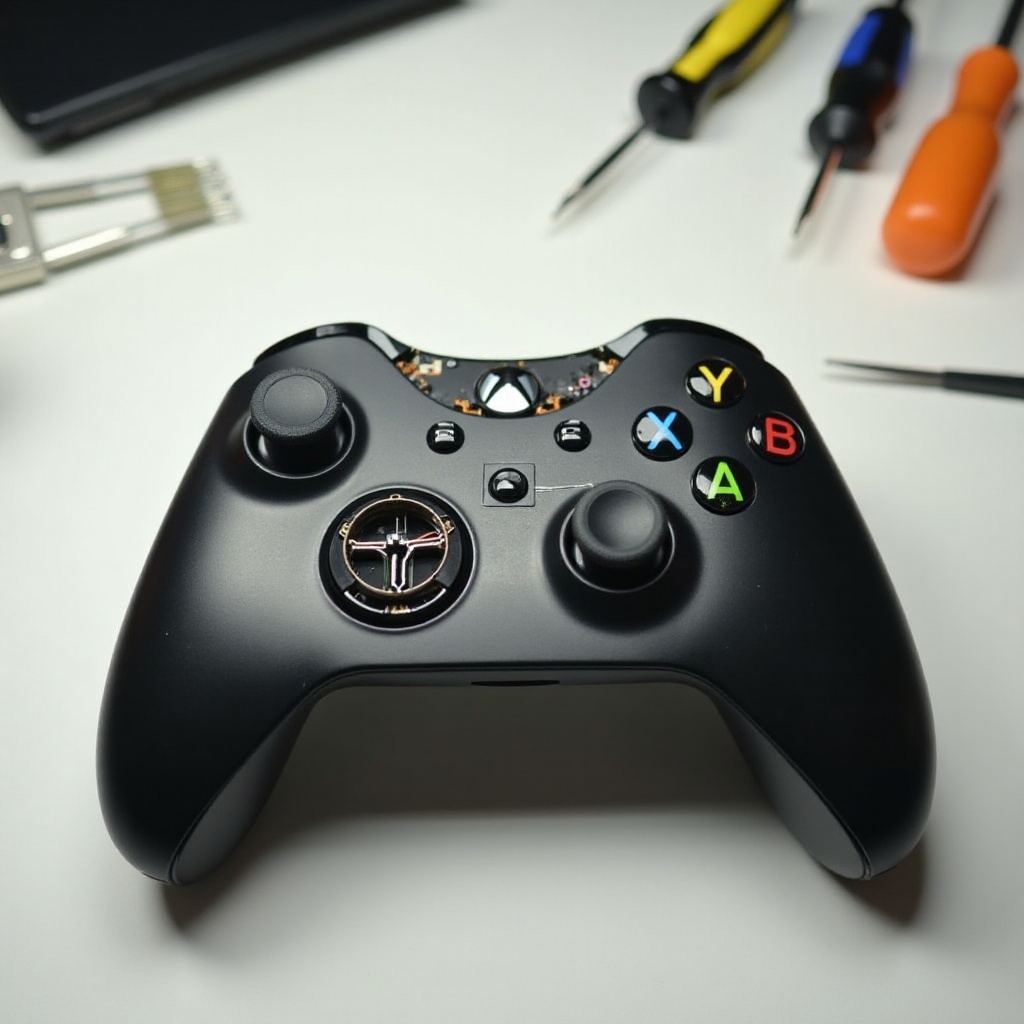
Understanding the Xbox Controller Layout
Before attempting any repairs on your Xbox controller, it’s essential to know its layout and the functions of its various components. The Xbox controller is equipped with numerous buttons, triggers, bumpers, and thumbsticks that work in unison to deliver a smooth gaming experience. The RB button, found on the top right, is often used for tasks such as changing weapons or navigating through menus.
Understanding both the external and internal parts of your controller is key to conducting successful repairs. Now that you’re familiar with the layout, let’s proceed to diagnosing the specific problem affecting your RB button.
Diagnosing the Problem
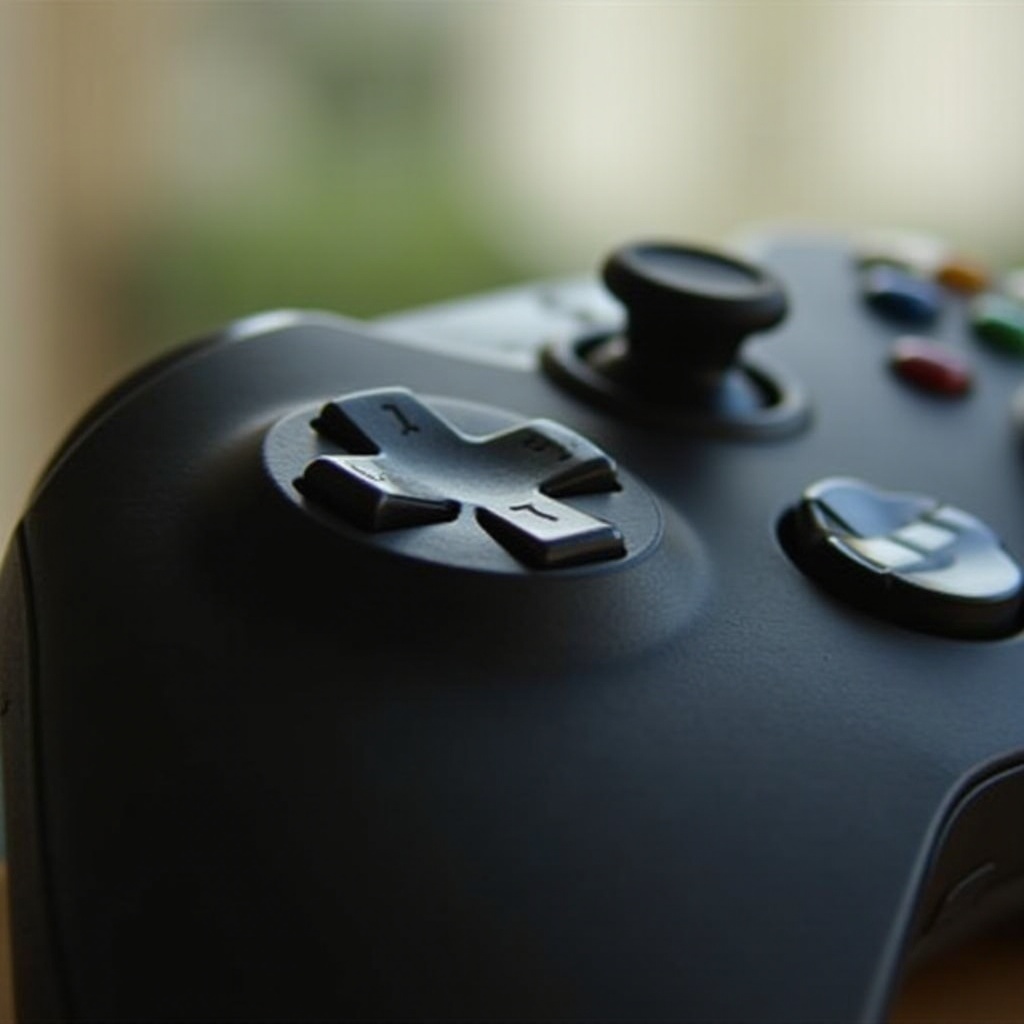
Accurate diagnosis is the first step in resolving any issue with the RB button. Here are steps to help you identify the problem:
- Common Reasons for RB Button Malfunction:
- Accumulation of dirt or debris under the button.
- Wear and tear from frequent use.
-
Issues within the internal components.
-
Signs of a Faulty RB Button:
- Sticky or unresponsive button action.
- Delayed action when pressed.
- Inconsistent function or total failure.
With a firm grasp of the potential issues, we can now explore basic troubleshooting steps that might resolve common problems.
Basic Troubleshooting Steps
If you’re dealing with a minor problem, these simple troubleshooting steps might be all you need:
- Checking for Software Updates:
- Connect your Xbox controller to your console.
- Go to settings to find updates for the console and controller firmware.
-
Install any updates which might fix compatibility or responsiveness issues.
-
Cleaning the RB Button Area:
- Use a soft, dry brush to remove dirt from around the button.
- Compressed air can help dislodge trapped debris.
- For more thorough cleaning, use a lightly dampened cotton swab with isopropyl alcohol for the surrounding area.
If the issue persists after these steps, it’s time to attempt more involved repair methods, like opening the controller.
Advanced Fixes
For more significant issues, you may need advanced repair techniques to restore the RB button’s functionality:
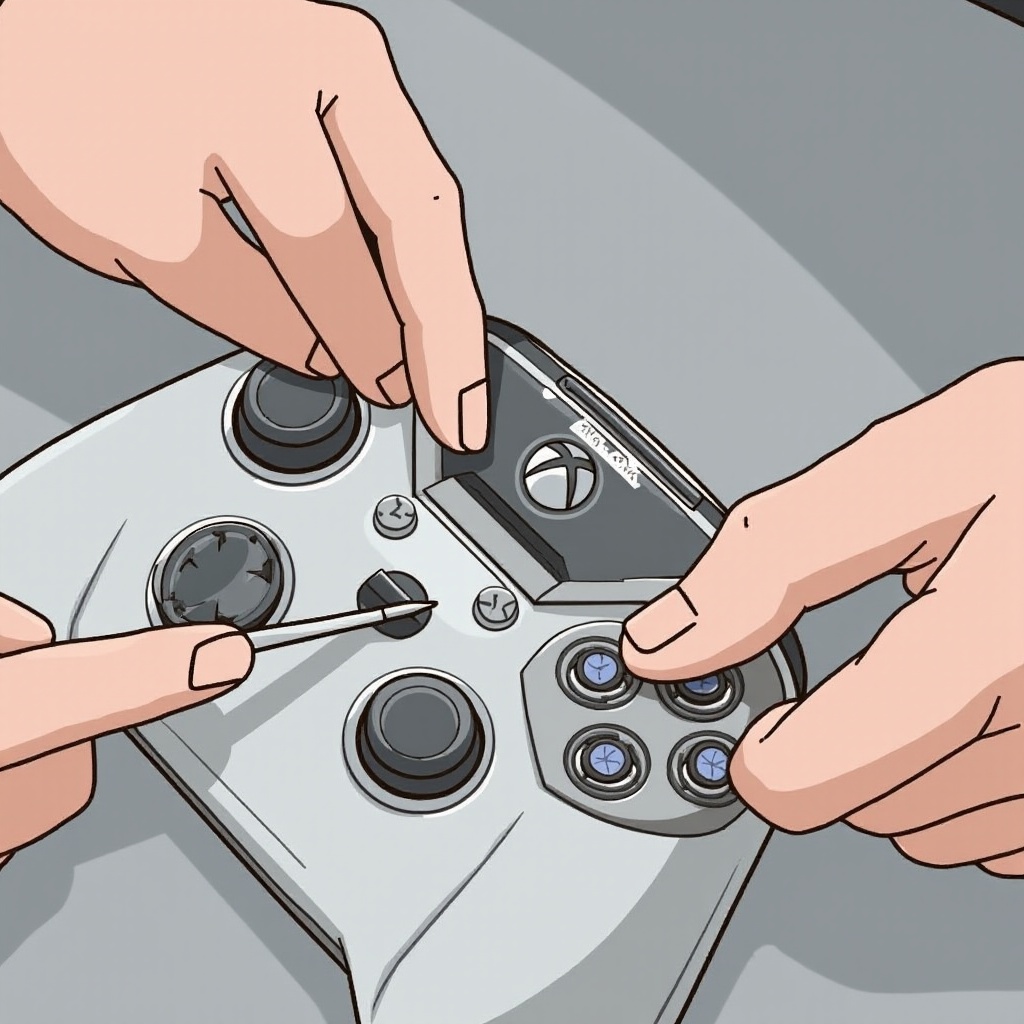
- Opening the Controller Safely:
- Gather tools: a T8 or T9 screwdriver, prying tool, and tweezers.
- Carefully remove the battery pack and unscrew the back cover.
-
Use the prying tool to separate the housing without damaging internal components.
-
Inspecting and Fixing the Internal Mechanism:
- Examine the button’s internal mechanism once the controller is open.
- Look for signs of damage, misalignment, or unseated components.
-
Adjust or re-seat components as needed.
-
Replacing the RB Switch:
- If the switch is faulty, consider replacing it.
- Desolder the old switch and carefully solder a new one.
- Ensure all components are secure before reassembling.
After completing these steps, your RB button should be working correctly. If it still doesn’t function, professional help might be necessary.
When to Seek Professional Help
If DIY repairs don’t solve your problem, consult a professional repair service. Continuing without success could cause more damage or impact your warranty. Contact reputable service centers or Microsoft support for assistance.
Preventive Measures to Avoid Future Issues
Proper maintenance can prevent many button-related issues. Consider these tips:
- Regularly clean the controller with a microfiber cloth to remove oils and dirt.
- Avoid liquids near your gaming area to prevent corrosion.
- Store your controller in a safe, dry place when not in use.
These habits will extend your controller’s lifespan and reduce the possibility of malfunction.
Conclusion
This guide has provided an in-depth look at fixing the RB button on your Xbox controller. From identifying the problem to implementing both basic and advanced fixes, you now have the tools needed to ensure uninterrupted gaming. Don’t hesitate to seek professional help if necessary and follow the preventive measures to maintain your controller’s longevity.
Frequently Asked Questions
What should I do if cleaning the button does not work?
If cleaning doesn’t resolve the issue, consider opening the controller to inspect internal components.
Can I fix the RB button without opening the controller?
Yes, many issues can be fixed with basic troubleshooting like cleaner apps and power cycling, but severe problems may require opening the controller.
How often should I clean my Xbox controller to prevent issues?
Regular cleaning every few weeks is recommended, especially with frequent use, to maintain responsiveness and durability.