

 By
By Introduction
Successfully managing your SIM card is essential for upgrading phones, switching carriers, or troubleshooting. Knowing how to remove a SIM card from your Samsung Galaxy device is straightforward once you’re familiar with the process. Each Samsung Galaxy model may vary slightly in SIM card placement, but this guide provides the steps necessary for all devices. You’ll learn about the tools you need, follow a direct removal process, troubleshoot common issues, and maintain your SIM card and tray effectively.
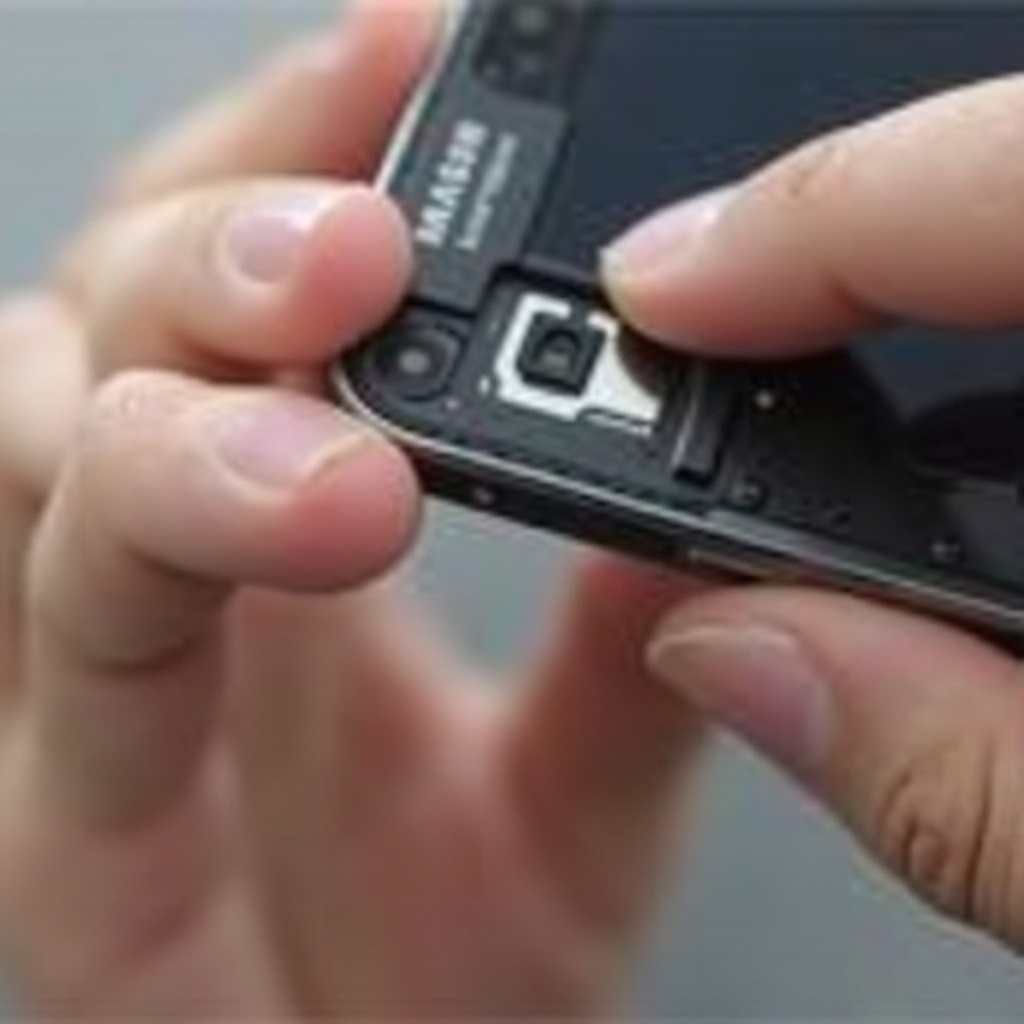
Tools You Need for Removing a SIM Card
Before you start, gather the following tools to ensure a smooth operation: a SIM ejector tool, which either comes with your phone or can be substituted with a small paperclip, and a well-lit workspace for visibility. With these tools in place, you are ready to locate and work on the SIM card slot. Understanding your specific model’s slot location is crucial as it varies between devices, which we will delve into next.
Locating the SIM Card Slot
Each Samsung Galaxy device features a SIM card slot that varies in location based on the model:
– For most Samsung Galaxy S series models, such as the S23, you’ll find the SIM card slot typically on the top or side of the device.
– The Galaxy Note series often has the slot positioned at the top edge.
– In newer foldable models, like the Galaxy Z Fold4, it’s generally on the side of the outer screen.
Knowing the slot’s location, ensure your device is powered off to avoid data corruption before proceeding with removal.
Step-by-Step Guide to Removing the SIM Card
Follow these instructions for removing the SIM card safely:
- Power Off Your Samsung Device:
- Hold the power button until the ‘Power off’ option pops up.
-
Tap the option to completely shut down the device.
-
Insert the SIM Ejector Tool:
- Access the SIM card slot with the phone positioned appropriately.
-
Insert the pointed end of the tool or paperclip into the small pinhole adjacent to the SIM card tray.
-
Slide Out the SIM Tray Carefully:
- Gently press until the tray partially ejects.
-
Use your fingers to completely pull out the tray.
-
Remove the SIM Card:
- Carefully lift the SIM card from its slot, avoiding touching the gold connectors.
After removing the SIM card, keep it safe by storing it in a clean, dust-free environment when not in use.
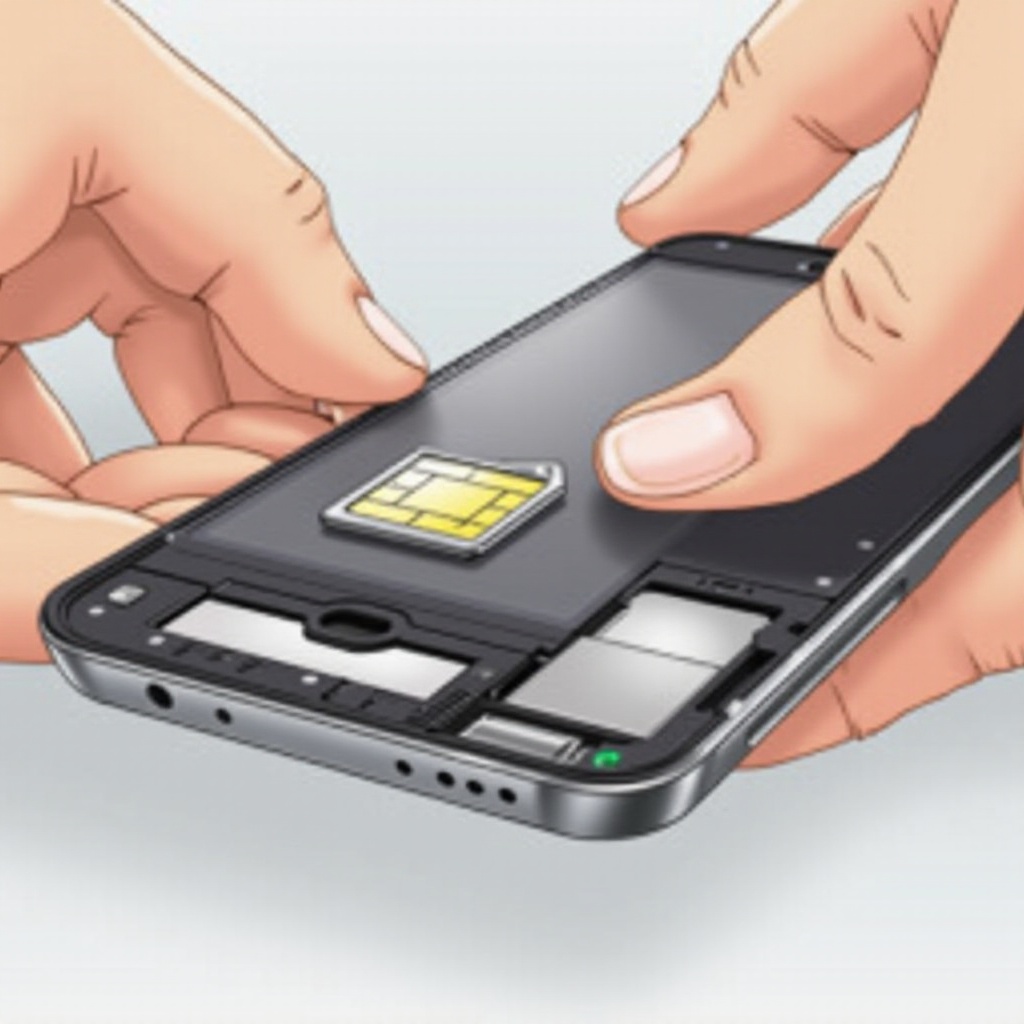
Handling Specific Samsung Galaxy Models
Different models like the Galaxy S23 and Galaxy Z Fold4 have specific considerations:
– For the Galaxy S23, locate the slot on the device’s upper-left side and follow standard removal steps.
– The Galaxy Z Fold4, with its unique design, requires extra care when handling at an angle.
Each model may offer slightly different challenges. Always refer to your device’s manual or seek visuals online for additional insights.
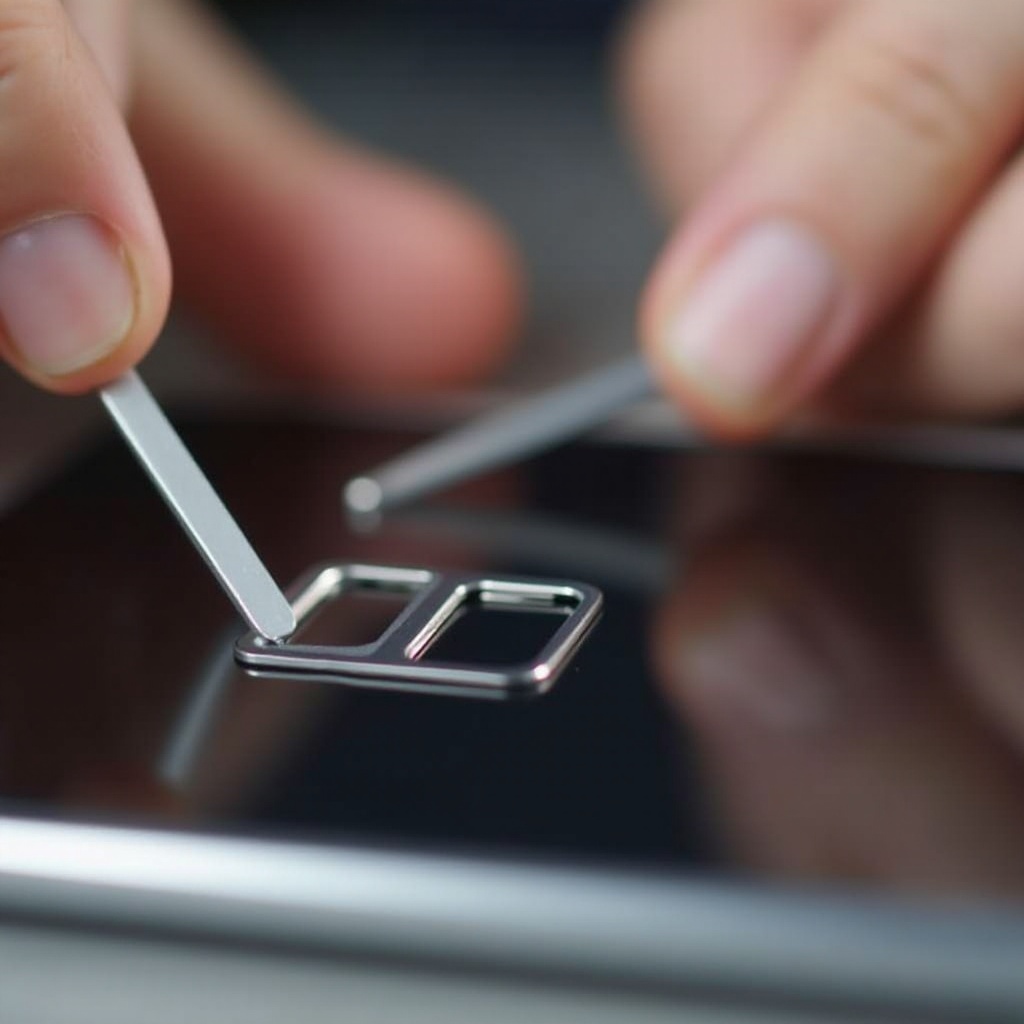
Troubleshooting Common Issues
Even with preparation, issues can arise. Here’s how to address common problems:
- SIM Tray Won’t Eject:
-
Ensure the correct tool and sufficient pressure. If clogged, carefully clear the hole with a soft brush.
-
SIM Card Doesn’t Fit Back In:
- Make sure the card’s orientation is correct. It should fit securely without force.
If persistent problems occur, contacting a professional technician is advisable to avoid further damage.
Tips for Maintaining Your SIM Card and Tray
Proper maintenance ensures optimal function and longevity:
- Store Safely: Always replace the SIM tray when handling the card, and store both in dry conditions.
- Regular Checks: Clean your SIM card and tray periodically to prevent dust buildup and ensure a snug fit.
Maintenance not only enhances your device’s performance but also extends its lifespan.
Conclusion
Knowing how to effectively manage and remove your SIM card is vital for the longevity of your Samsung Galaxy device. Equipped with the right tools and steps, you can confidently manage your SIM card. Proper maintenance and handling ensure smooth operation and prevent unexpected issues.
Frequently Asked Questions
Can I Remove the SIM Card While My Phone is On?
No, it is recommended to power off your phone to prevent data corruption or damage.
What Should I Do If I Lose My SIM Card Tray?
You can purchase a replacement tray online or contact Samsung support for assistance.
How Often Should I Remove and Inspect My SIM Card?
Inspect your SIM card every few months or when experiencing connectivity issues.