

 By
By Keeping your Logitech mouse clean is crucial for its longevity and performance. Over time, dust and grime can build up, affecting your mouse’s responsiveness. This guide provides detailed steps for cleaning your mouse effectively, ensuring it remains in top condition.
Introduction
Logitech mice are known for their precision and ergonomic designs. However, without proper cleaning, their performance can degrade. Whether you use your mouse for intense gaming sessions or everyday tasks, regular maintenance is essential. Today, you’ll learn how to clean your mouse thoroughly, from gathering the necessary tools to performing routine maintenance.
Understanding Logitech Mice
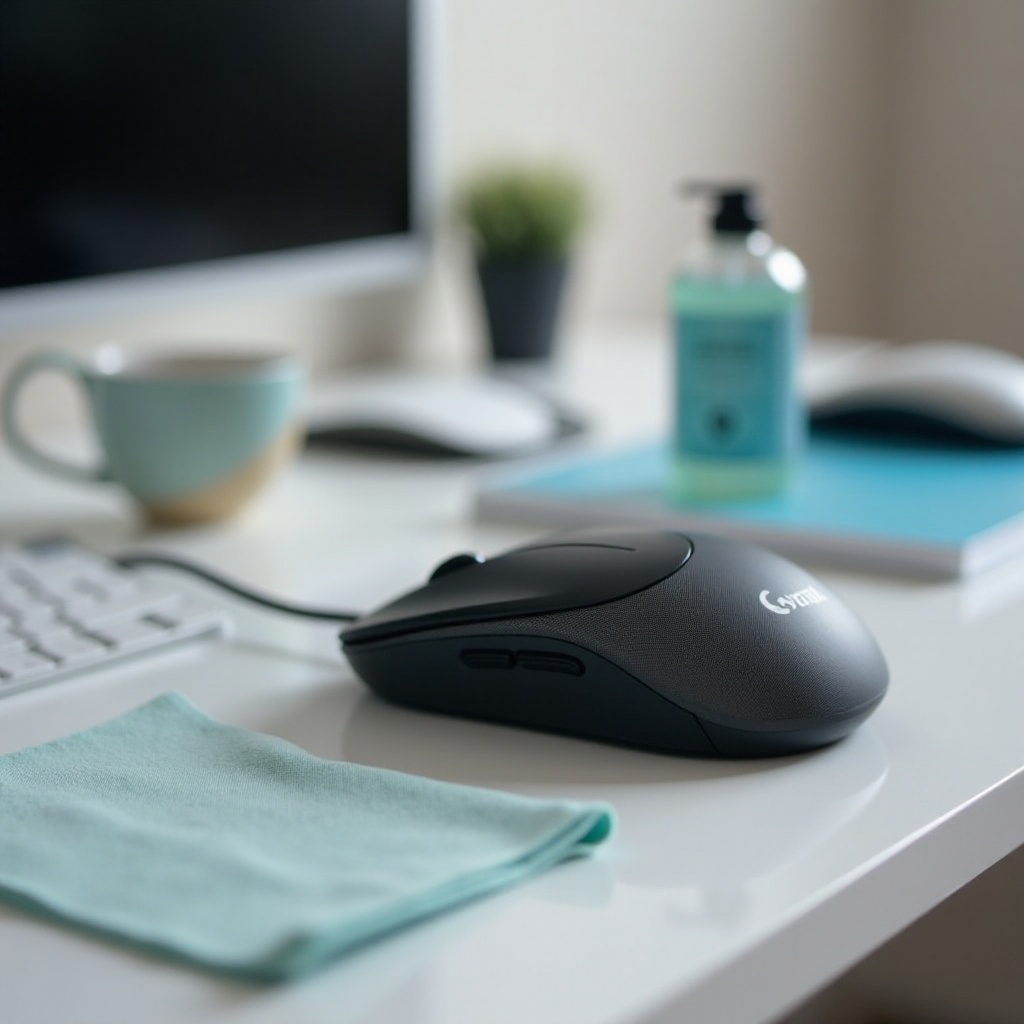
Logitech offers a diverse range of mice, each tailored to different user needs. Understanding these mice helps in maintaining them better.
-
Types of Logitech Mice: Logitech produces a variety of mice, from basic models to sophisticated gaming and wireless devices. Each type may have unique cleaning needs due to its design and technology.
-
Common Features and Materials: Most Logitech mice are made from durable plastics and contain sensitive electronic parts. Recognizing these features ensures that you use the right cleaning methods without damaging the device.
This understanding of your mouse type helps you tailor your cleaning approach, ensuring neither its design nor components are compromised.
Tools and Materials Needed
Before you start cleaning, ensure you have the following tools ready:
- Microfiber cloth
- Q-tips or cotton swabs
- Isopropyl alcohol (70% concentration)
- Compressed air canister
- Soft-bristled brush (optional)
Using the right tools minimizes the risk of damage and helps achieve a more effective clean.
Preparing Your Mouse for Cleaning
Preparation is key to successful mouse cleaning. By following these precautions, you avoid accidental damage during the cleaning process.
-
Safety Precautions: Unplug your mouse or remove its batteries to eliminate any risk of electrical shock. This is especially important for wireless models.
-
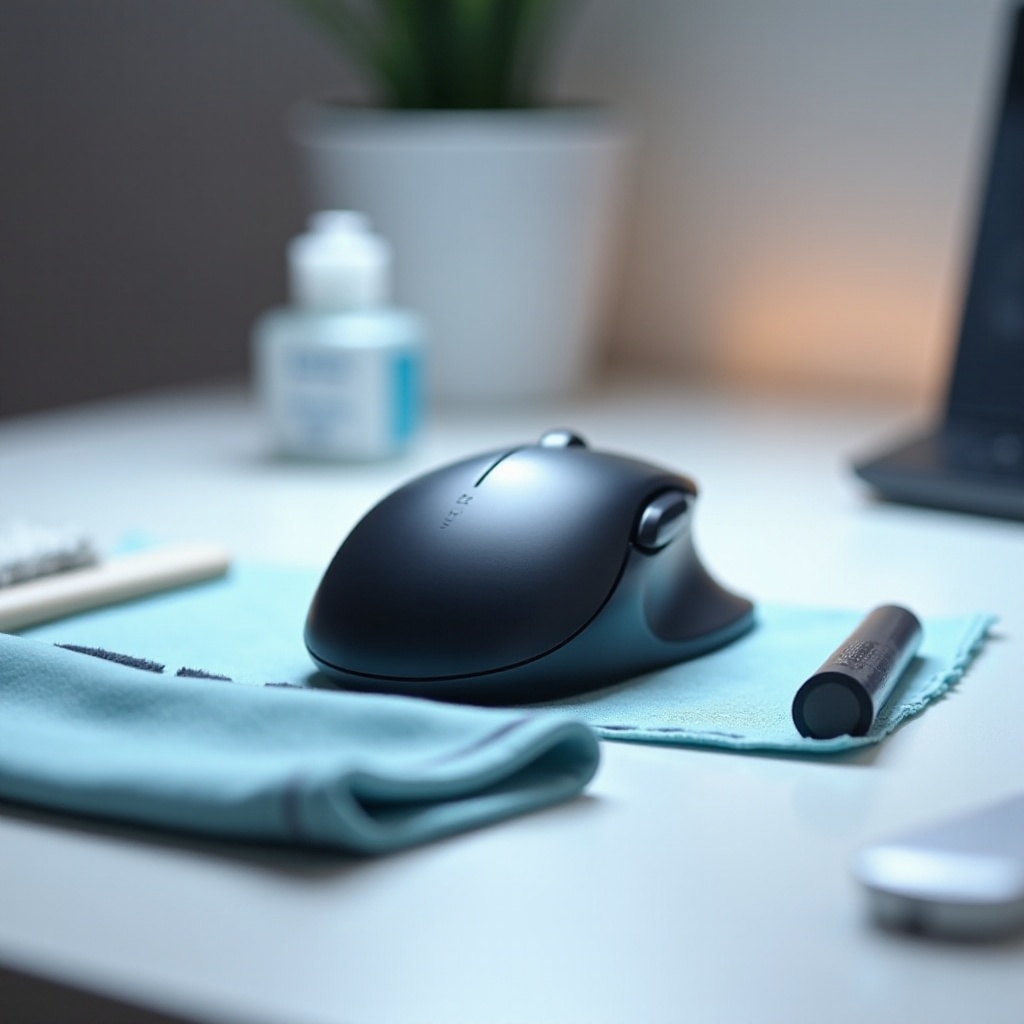
Setting Up Your Workspace: Select a clean, well-lit area to conduct your cleaning. Place a cloth or paper towel on the surface to capture any falling debris.
With everything set, you’ll be equipped to clean your mouse safely and efficiently.
Step-by-Step Cleaning Process
The cleaning process consists of several detailed steps, each crucial for maintaining your mouse’s usability and longevity.
- Cleaning the Exterior Surfaces:
-
Dampen a microfiber cloth slightly with isopropyl alcohol and wipe down all external surfaces of the mouse. Focus on areas like the buttons and sides where grime tends to accumulate.
-
Cleaning the Buttons and Scroll Wheel:
-
Use a Q-tip or cotton swab dipped in alcohol to clean around the buttons and scroll wheel. Ensuring these areas are dirt-free can vastly improve functionality.
-
Maintaining the Optical Sensor:
- Use a compressed air canister to blow away dust from the sensor area gently. For more persistent grime, lightly touch the sensor with a dry cotton swab.
These steps are designed to be comprehensive yet careful, preventing damage to sensitive parts.
Advanced Cleaning Techniques
For users who want to delve deeper into their mouse’s maintenance, more thorough techniques are available.
-
Disassembling for Thorough Cleaning: If you’re comfortable with electronics, you can carefully open the mouse to access and clean the interior parts. A soft-bristled brush can help remove internal dust. Ensure you’re equipped to reassemble the mouse correctly.
-
Special Care for Wireless Mice: Ensure the battery compartment is clean. Use alcohol to clean contacts if necessary, keeping your mouse responsive and optimizing battery performance.
Employing these advanced techniques will suit users familiar with electronics and can significantly enhance upkeep.

Tips for Maintaining Your Logitech Mouse
To reduce repeated efforts of deep cleaning, incorporating regular maintenance helps your Logitech mouse function consistently.
-
Routine Cleaning Schedule: Regularly wipe the mouse with a microfiber cloth at least once a week to keep dust build-up at bay.
-
Storage and Usage Best Practices: Always store your mouse in a clean, dry place. Handling it with clean hands also decreases surface oils and grime.
By following these maintenance tips, you ensure your mouse provides seamless operation for years.
Conclusion
Maintaining a clean Logitech mouse is key to sustaining both its lifespan and performance. By adhering to this comprehensive guide, your device will continue to deliver optimum results. Equip yourself with the necessary tools, follow the detailed steps, and integrate routine practices for the best outcomes.
Frequently Asked Questions
How often should I clean my Logitech mouse?
For optimum performance, wipe your mouse weekly and perform a deep clean every few months.
Can I use alcohol to clean my Logitech mouse?
Yes, isopropyl alcohol is safe to use in moderation for cleaning the surfaces of Logitech mice.
What should I do if my mouse doesn’t function properly after cleaning?
Ensure components are dry and securely attached. If issues persist, contact Logitech support for help.