

 By
By Introduction
The TrueDepth camera represents a leap forward in smartphone technology, providing advanced capabilities such as Face ID and enhanced photo features. Despite its innovation, users face several challenges, including Face ID malfunctions and depth perception inaccuracies. Knowing how to tackle these issues is crucial for maintaining your device’s performance. This guide explores these common problems and offers practical solutions to keep your TrueDepth camera functioning at its best.
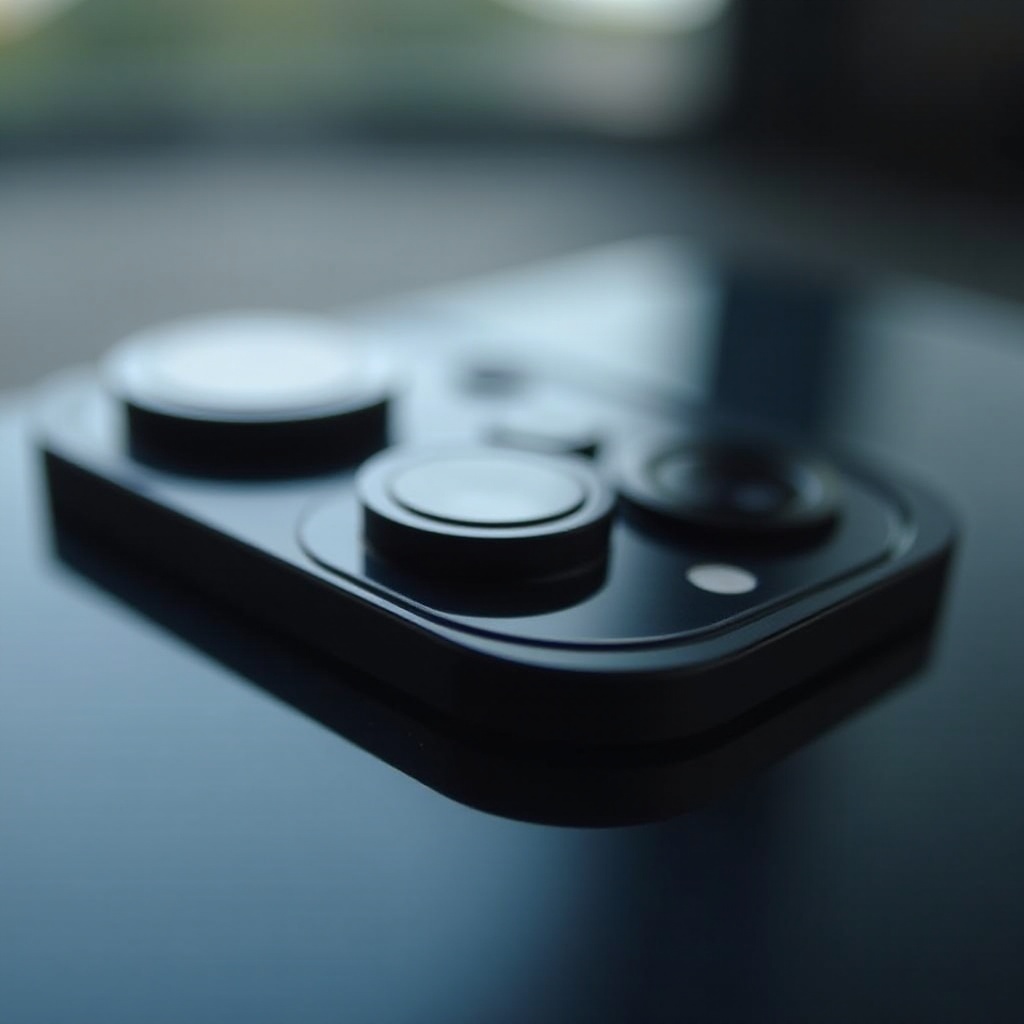
What is the TrueDepth Camera?
TrueDepth cameras integrate multiple components to deliver high-end features and have become a staple in modern smartphones. Their principal role involves enabling secure facial recognition with Face ID.
– Key Features and Functions: Utilizing a dot projector, infrared camera, and flood illuminator, the TrueDepth camera maps a user’s face in 3D, providing robust security and opening new possibilities in AR applications.
– Role in Modern Smartphones: Apart from security, the TrueDepth camera enhances the phone’s photography, contributing to features such as Portrait mode and Animoji, which enrich user interaction.
Understanding these features sets the stage for addressing the common issues users face with the TrueDepth camera.
Common Problems with TrueDepth Camera
Despite its cutting-edge technology, the TrueDepth camera is not exempt from problems. Users often report specific challenges that affect functionality.
– Face ID Malfunctions: A frequent problem is Face ID failing to recognize faces, especially after updates or in varied lighting conditions.
– Depth Perception Issues: Depth perception inaccuracies can affect Portrait mode and other camera applications in specific environments.
– Low-Light Performance: Capturing details in low-light settings can be problematic, impairing the camera’s usability for photography.
Recognizing these common issues is vital for troubleshooting and maintaining optimal performance.
Troubleshooting TrueDepth Camera Issues
To resolve these problems, a combination of software and hardware solutions must be employed. Here are essential steps to consider:
- Fixing Face ID Problems:
- Make sure obstructions like glasses or hats are removed for accurate Face ID.
-
Reset Face ID via Settings > Face ID & Passcode > Reset Face ID, then rescan your face.
-
Calibrating for Better Depth Perception:
- Regularly clean your camera lens to prevent dust and smudges from affecting functionality.
-
Test the camera in various lighting to improve depth accuracy.
-
Enhancing Low-Light Functionality:
- Consider using additional lighting such as a smartphone ring light to improve brightness during photography.
- Adjust camera settings manually to suit low-light environments, maximizing photo quality.
By implementing these solutions, you can address issues effectively and restore full functionality to your TrueDepth camera.
Keeping Your Software and Firmware Updated
Software updates are crucial to the TrueDepth camera’s performance, often addressing known bugs and introducing improvements.
– Importance of Updates in 2024: Keeping your device updated ensures that bug fixes and enhancements are applied, maintaining the functionality of facial recognition and other features.
– How to Check for Latest Updates: Visit Settings > General > Software Update to download and install any available updates, ensuring your device operates at peak performance.
Routine updates not only fix existing issues but also enhance future performance, bolstering the TrueDepth camera’s capabilities.
Maintaining Your TrueDepth Camera Hardware
Proper maintenance is critical to ensuring that your TrueDepth camera lasts and performs well. Consider these steps to protect your hardware:
– Cleaning and Protecting the Camera: Regularly use a microfiber cloth to clean the lens. Lens protectors can help shield the camera from scratches and other damage.
– Avoiding Physical Damage: Use a sturdy phone case to protect against drops and impacts, helping preserve the camera’s alignment and internal components.
By caring for the hardware, you extend your camera’s lifespan and overall performance.
When to Seek Professional Help
If troubleshooting efforts do not resolve the issues, it may be time to seek professional support.
– Recognizing Hardware Failure: Persistent issues like unresponsive Face ID or error messages may indicate hardware failure beyond basic repairs.
– Navigating Service and Warranty Options: Check your warranty status and reach out to device support. They can offer guidance on further repairs and warranty coverage.
Taking proactive steps in maintenance and knowing when to seek professional help ensures your TrueDepth camera remains functional and reliable.
Conclusion
The TrueDepth camera is a significant technological advance that enriches smartphone capabilities. However, challenges can disrupt its functionality. By understanding common issues, implementing solutions, and maintaining regular care, you can optimize the performance of your TrueDepth camera. Following these guidelines restores functionality and allows you to enjoy the benefits of this advanced technology.
Frequently Asked Questions
How do I reset Face ID on my TrueDepth camera?
Go to Settings > Face ID & Passcode > Reset Face ID, and follow the prompts to rescan your face.
Can the TrueDepth camera work in complete darkness?
The TrueDepth camera requires some light to function, but using additional lighting can improve performance in dark settings.
Are there any privacy concerns with the TrueDepth camera?
The TrueDepth camera uses secure facial mapping and does not store image data on external servers, alleviating privacy concerns.