

 By
By Introduction
When your Ring camera isn’t charging, your home security can be compromised. This guide will help you understand the charging process, identify common problems, and provide practical troubleshooting steps. With the right approach, you can ensure your camera is always ready to protect your home.
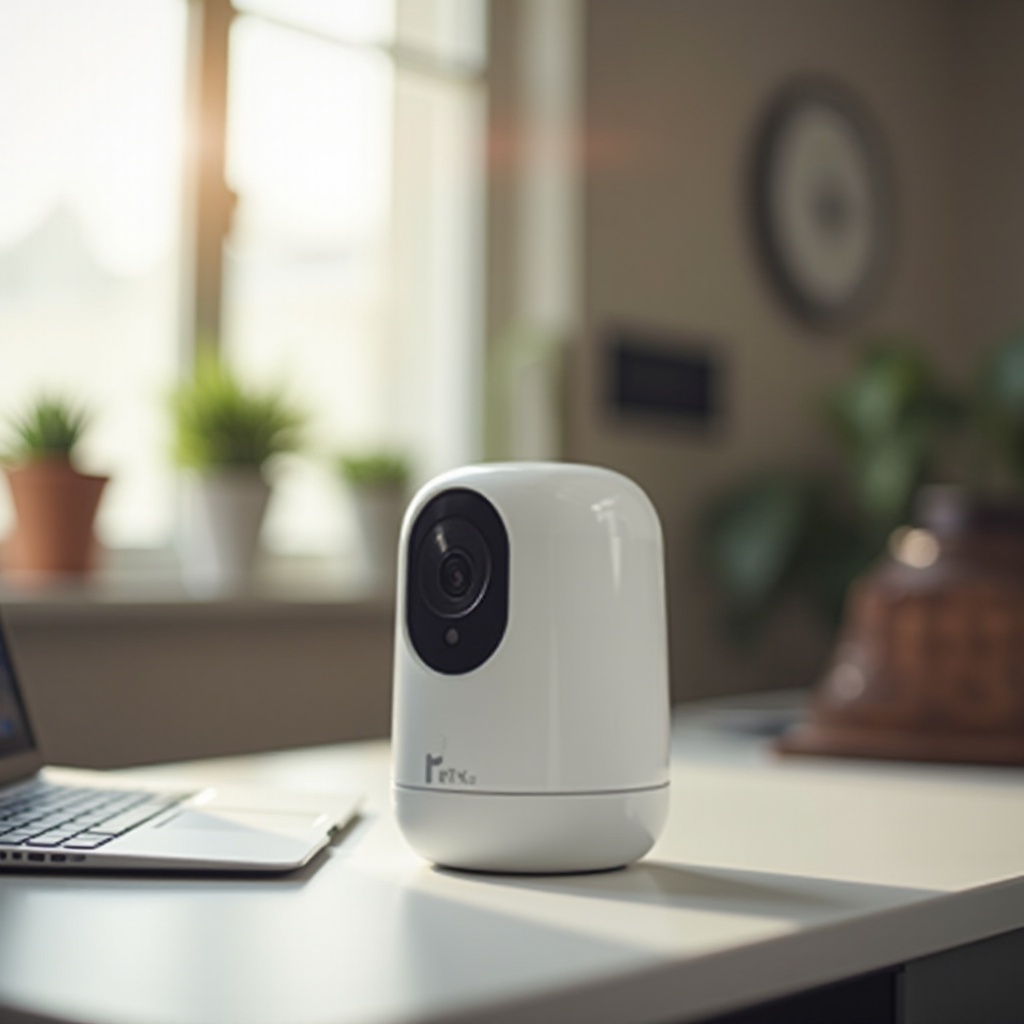
Understanding Your Ring Camera’s Charging Process
Ring cameras vary in their charging needs. Some use rechargeable batteries, others use wired connections. Knowing your camera’s specific requirements is essential. Regular charging ensures the camera can effectively monitor your premises and alert you to any intrusions.
Having a fully functional and charged security system is crucial. Let’s explore what happens when your camera stops charging and how to restore its functionality efficiently.
Common Reasons for Charging Failures
Several factors can prevent your Ring camera from charging:
– Battery Malfunctions: Over time, rechargeable batteries may lose their ability to hold a charge efficiently. Problems arise from both aging and frequent use.
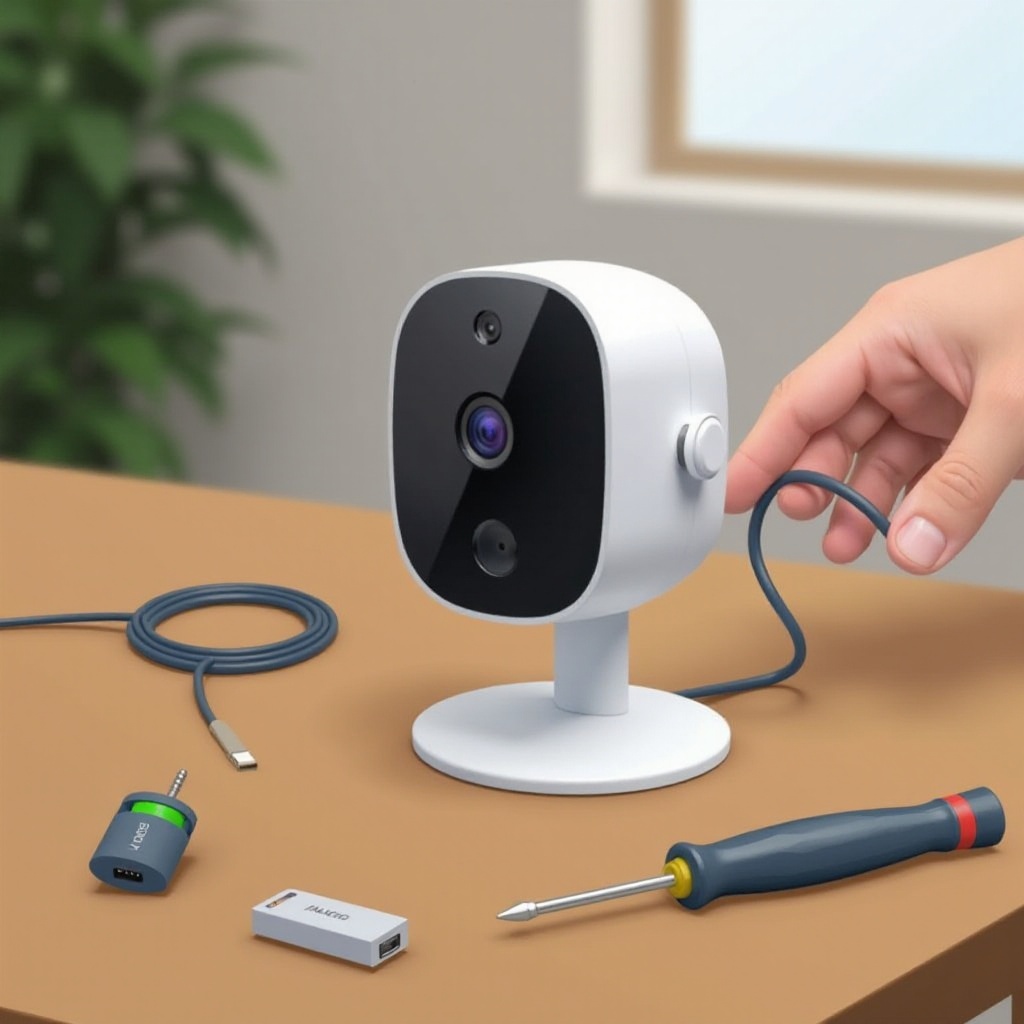
– Problems with Power Adapters and Cables: Damaged cables or faulty power adapters can interrupt the charging process. Make sure to regularly inspect these components for any signs of damage.
– Environmental Factors: Extreme temperatures can affect battery charging. Position your camera to minimize exposure to harsh weather conditions.
With an understanding of these potential issues, you can diagnose charging failures more confidently and apply the right solutions.
Step-by-Step Troubleshooting Guide
Here’s how to troubleshoot your Ring camera when it isn’t charging:
1. Check and Replace the Battery:
– Remove the battery and inspect it for any damage or leakage.
– If it doesn’t hold a charge, replacing it with a new, compatible battery may resolve the issue.
2. Inspect Charging Equipment:
– Examine power adapters and cables for any signs of wear and tear.
– Test using another compatible power source to pinpoint if the issue is with your current setup.
3. Perform a Camera Reset:
– Use the setup button to perform a reset. Hold until the light flashes, signaling a system restart.
By following these troubleshooting steps, you can address most charging issues. However, sometimes more advanced solutions are necessary.
Advanced Solutions and Maintenance Tips
Ensuring your Ring camera stays charged may require advanced strategies:
– Utilize Solar Panels: Consider integrating solar panels for a sustainable charging option, especially effective in sunny areas.
– Optimize Camera Settings: Adjust motion sensitivity and alert frequency to conserve battery power. Consistently update camera firmware for enhancements that may improve battery life.
These solutions, coupled with regular maintenance, ensure long-term power stability and efficient operation of your security system.
Conclusion
Understanding why your Ring camera isn’t charging and troubleshooting effectively can keep your home secure. By examining and maintaining all components and considering alternative power options, you can ensure continuous functionality. If problems persist, contacting Ring support might be necessary for further assistance.
Frequently Asked Questions
Why does my Ring camera battery drain so quickly?
Frequent activity or high motion sensitivity settings, along with environmental factors like extreme heat or cold, can lead to faster battery depletion. Adjusting these settings can help prolong battery life.
Can I use any charger for my Ring camera?
It’s recommended to use the charger that came with your Ring camera or one approved by Ring to ensure compatibility and prevent potential damage.
What should I do if I continue to face charging issues after troubleshooting?
If problems continue after trying troubleshooting steps, contact Ring’s customer support for detailed assistance. They can offer further guidance or suggest repair or replacement options.