

 By
By Introduction
The rise of Chromebooks has sparked much debate: can a Chromebook replace a traditional laptop? With their focus on ease-of-use, affordability, and security, Chromebooks offer an intriguing alternative. This article aims to shed light on Chromebooks’ potential to fulfill the roles typically held by laptops, especially in the year 2024.
Understanding Chromebooks in 2024
As we explore Chromebooks in 2024, it’s essential to consider how they differ from traditional laptops. Operating on Google’s Chrome OS, Chromebooks leverage cloud-based applications rather than installed software.
What is a Chromebook?
A Chromebook is a type of laptop designed to run Chrome OS, an operating system by Google. It focuses on web-based applications and cloud storage, which is ideal for users who primarily use online services and platforms.
Key Features of Chrome OS
Chrome OS stands out with its fast boot times and seamless integration with the Google ecosystem. It automatically updates to provide robust security, ensuring an uninterrupted and safe user experience.
Comparing Chromebook and Laptop Performance
When comparing Chromebooks to traditional laptops, one must consider hardware and software aspects that dictate their performance.
Hardware Capabilities
Generally, Chromebooks come with less powerful processors and memory than conventional laptops, accounting for their affordability and efficiency. They perform well for everyday tasks like browsing, streaming, and using productivity apps, but may not meet the needs of tasks requiring high processing power.
Software Compatibility
Software plays a crucial role in the Chromebook versus laptop debate. Chromebooks run web-based applications smoothly, especially those in the Google ecosystem. However, users needing specific software, especially in niches like graphic design or programming, might find traditional laptops more accommodating.
Use Cases for Chromebooks
Chromebooks suit certain scenarios exceptionally well, but in others, laptops remain essential.
Ideal Scenarios for Chromebook Use
Educational environments are perfect for Chromebooks due to their cost-effectiveness and ease of use. Students and teachers alike benefit from their seamless integration with educational tools. For frequent travelers, Chromebooks’ lightweight design and long battery life are unmatched for basic computing needs on the go.
Scenarios Where Laptops Excel
For professional environments requiring specialized software, or for gaming and content creation, traditional laptops offer the necessary computing power and versatility. They are more adaptable to various professional software needs.
Advantages of Choosing a Chromebook
Chromebooks come with several advantages, particularly for users prioritizing simplicity and security.
Cost-Effectiveness
Priced lower than many laptops, Chromebooks present a budget-friendly choice without sacrificing build quality or user experience. This makes them accessible to a wide range of consumers seeking basic functionality.
Security Features
Chrome OS offers superior security with regular automatic updates and built-in virus protection. This makes Chromebooks a safer option for users without technical expertise in managing device security.
Battery Life and Portability
Known for their portability, Chromebooks often exceed other laptops in battery longevity, typically lasting over 10 hours on a single charge. This is perfect for users needing a device capable of accompanying them through a full day of usage without access to power.
Limitations of Chromebooks
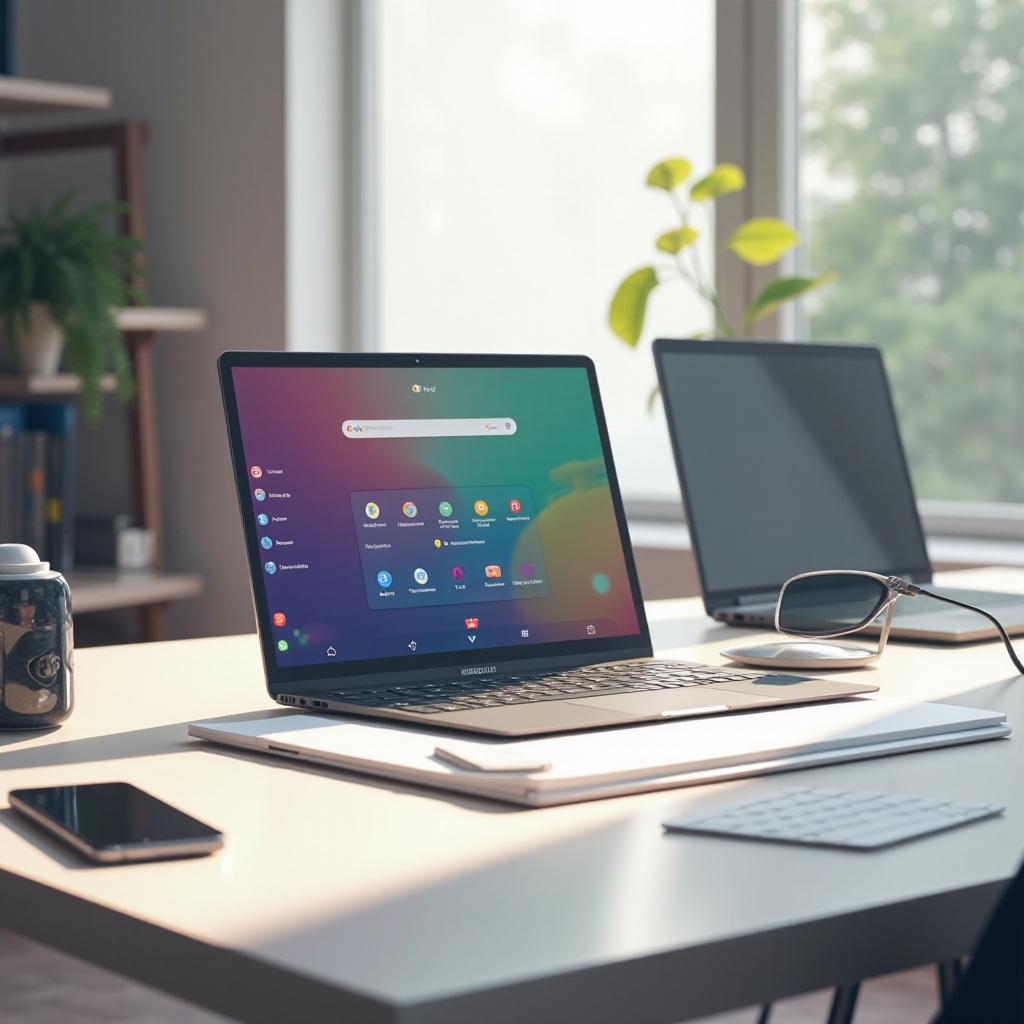
Understanding Chromebooks’ limitations is crucial for making an informed choice between them and laptops.
Limited Offline Functionality
Although some Chromebooks can function offline, relying on pre-downloaded content is necessary. However, their true strength lies in constant internet connectivity, which is primarily needed for their full functionality.
Software Restrictions
The Chrome OS ecosystem doesn’t support the full range of software applications available on Windows or Mac, which can be a limitation for users in fields that require more resource-intensive software solutions.
Making the Right Choice: Chromebook vs. Laptop
Determining whether a Chromebook can replace your laptop involves assessing your unique computing requirements and long-term needs.
Evaluating Personal Needs
Consider the specific applications you need and how you use your computer. For internet-based tasks, sharing documents online, and light computing, Chromebooks are suitable. However, if your work involves specialized software and offline work, a traditional laptop might serve you better.
Long-Term Considerations
While Chromebooks align with the increasing shift towards cloud computing, evaluate whether they meet your personal criteria for adaptability and software needs over time. A laptop may provide the flexibility and power necessary for unforeseen demands in the future.
Conclusion
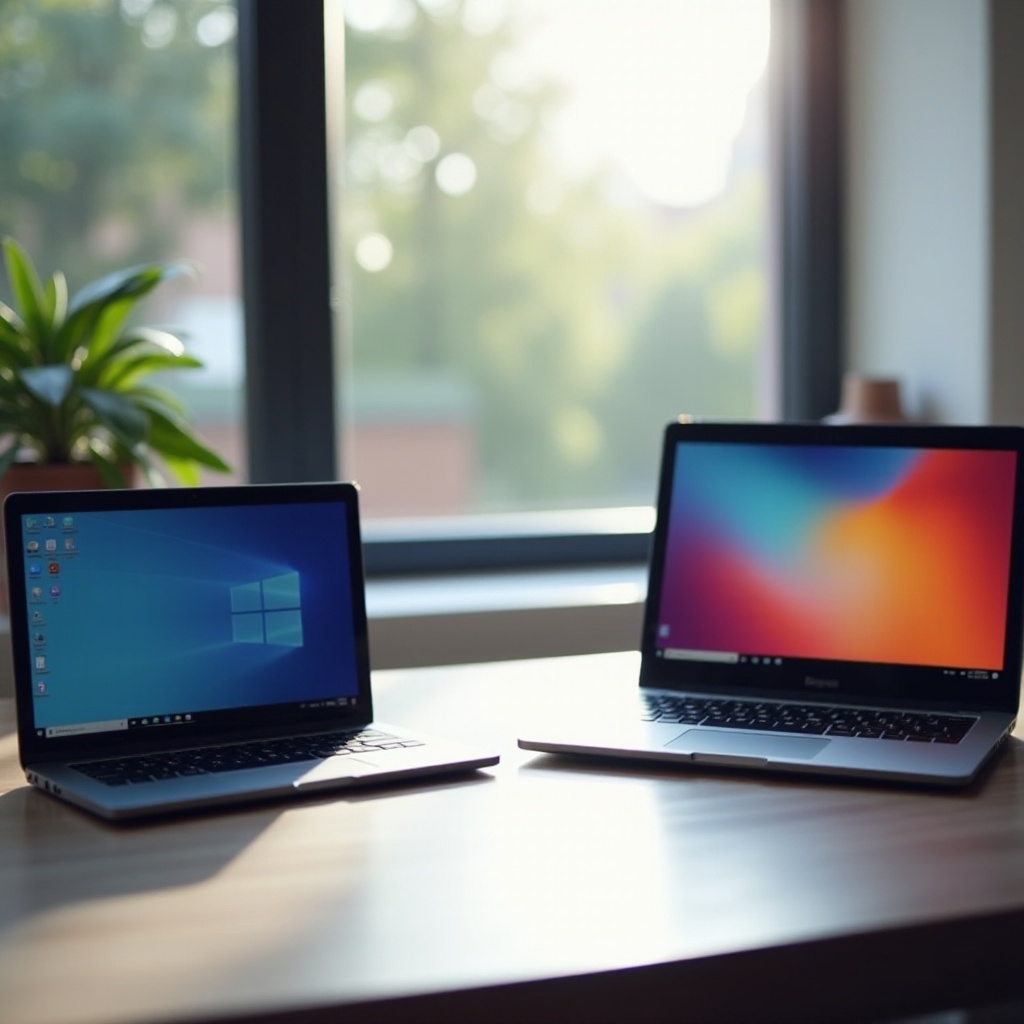
Ultimately, the decision between a Chromebook and a laptop boils down to your specific needs and working style. Chromebooks are an excellent choice for those looking for a straightforward, secure, and cost-effective solution. Conversely, if your work or hobbies necessitate more power and flexibility, a traditional laptop may be the choice for you.
Frequently Asked Questions
Can I run Windows software on a Chromebook?
Some applications can be accessed via remote desktop services or alternate solutions, but Chromebooks generally do not natively support Windows software.
Are Chromebooks suitable for gaming?
Chromebooks support cloud gaming and some Android games but do not handle high-end gaming. For that, a dedicated gaming laptop is recommended.
How do Chromebooks handle offline work?
Some applications, like Google Docs, offer offline functionality, but full performance typically requires an internet connection.