

 By
By Introduction
The Google Pixel Watch 3 offers an extraordinary blend of aesthetics and functionality. A key feature of this smartwatch is the diversity of customizable watch faces, providing users with a unique opportunity to reflect their personal style and preferences. Whether preparing for a formal event or a fitness session, there is a suitable watch face to match every occasion. This article highlights the best face designs available in 2024, offers guidance on customization, and presents user reviews to enhance your smartwatch experience.
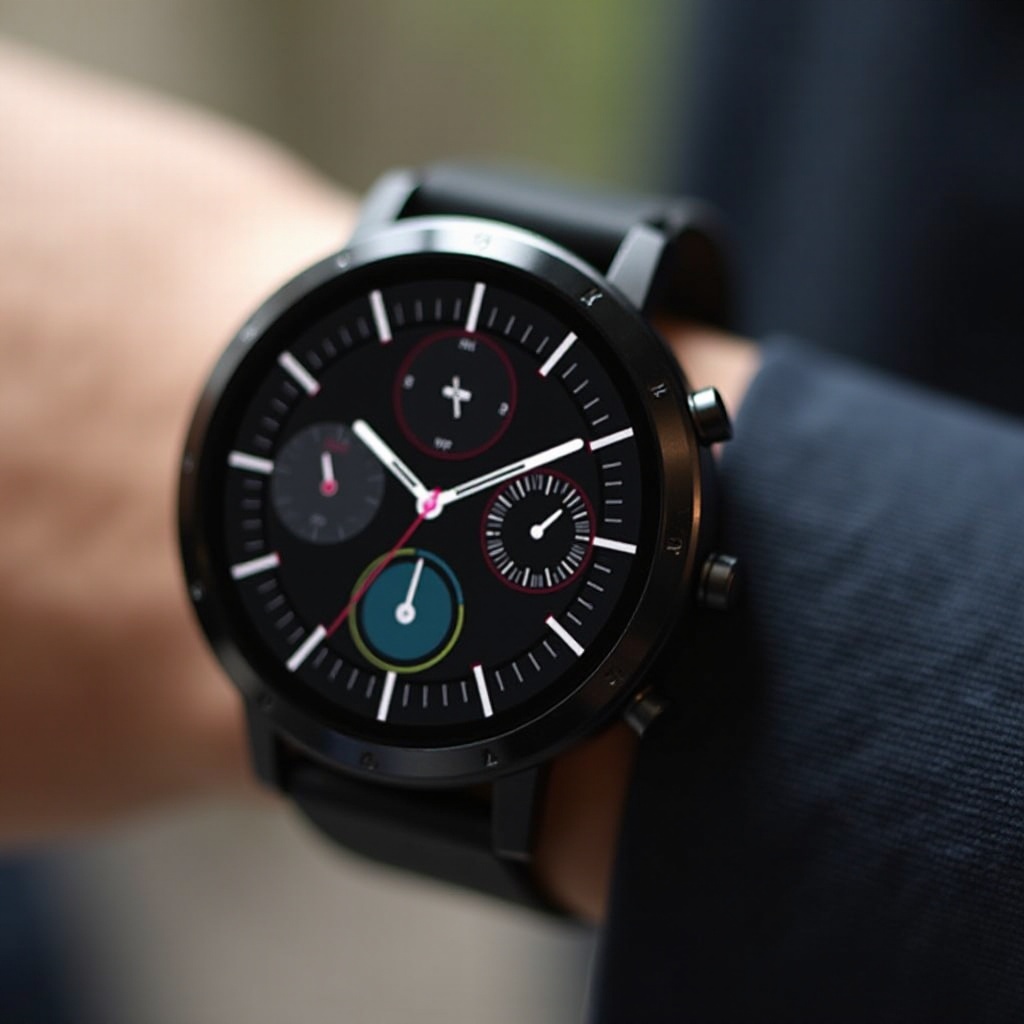
Understanding Google Pixel Watch 3 Faces
The array of watch faces on the Google Pixel Watch 3 is designed to cater to the varying tastes and functional needs of users. The ability to customize these faces allows the smartwatch to transform in appearance and utility, offering users a tailor-made experience. Unlike the static nature of traditional watches, these digital faces display dynamic information at a glance, efficiently blending functionality with style.
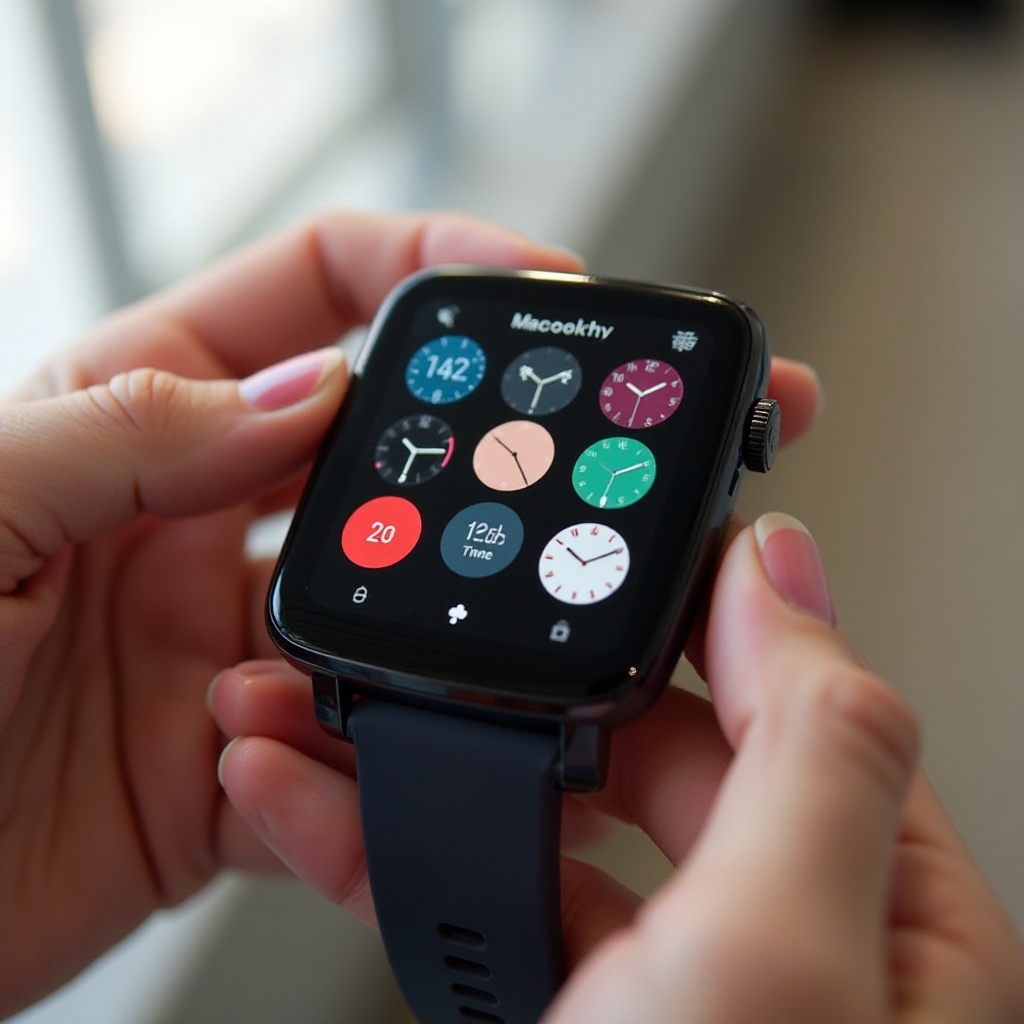
Top Watch Face Designs for 2024
Selecting the right watch face can have a significant impact on your daily routine by providing timely information and enhancing the watch’s appearance.
-
Popular Analog and Digital Themes: Analog faces cater to those who appreciate a timeless look, while digital themes offer modernity, often accompanied by features such as step tracking and message notifications.
-
Modular Faces for Tech Enthusiasts: These watch faces allow for extensive customization, with various widgets offering quick access to details such as weather updates and calendar events.
-
Artistic and Minimalist Options: Minimalist watch faces offer a clean, elegant look, ensuring essential information is easily accessible without overwhelming the display.
This array of options ensures there is a suitable face for every user, regardless of their taste or requirements.
Customizing Your Pixel Watch 3 Face
Customizing the watch face on your Pixel Watch 3 is straightforward and empowers users to tailor their devices to fit different occasions seamlessly.
- Step-by-Step Guide to Changing Faces:
- Press and hold the watch display to enter the face selection mode.
- Swipe through available faces to view your options.
-
Tap the desired face to set it as your default.
-
Downloading Additional Watch Faces:
- Access the Google Play Store directly from your watch.
- Browse the ‘watch faces’ category to discover new designs.
-
Download and apply faces that suit your style.
-
Managing Multiple Faces for Different Needs:
- Save your frequently used watch faces for quick access.
- Easily switch between faces to match your activity or environment.
This level of personalization ensures that the Pixel Watch 3 not only reflects your style but also supports your lifestyle needs.
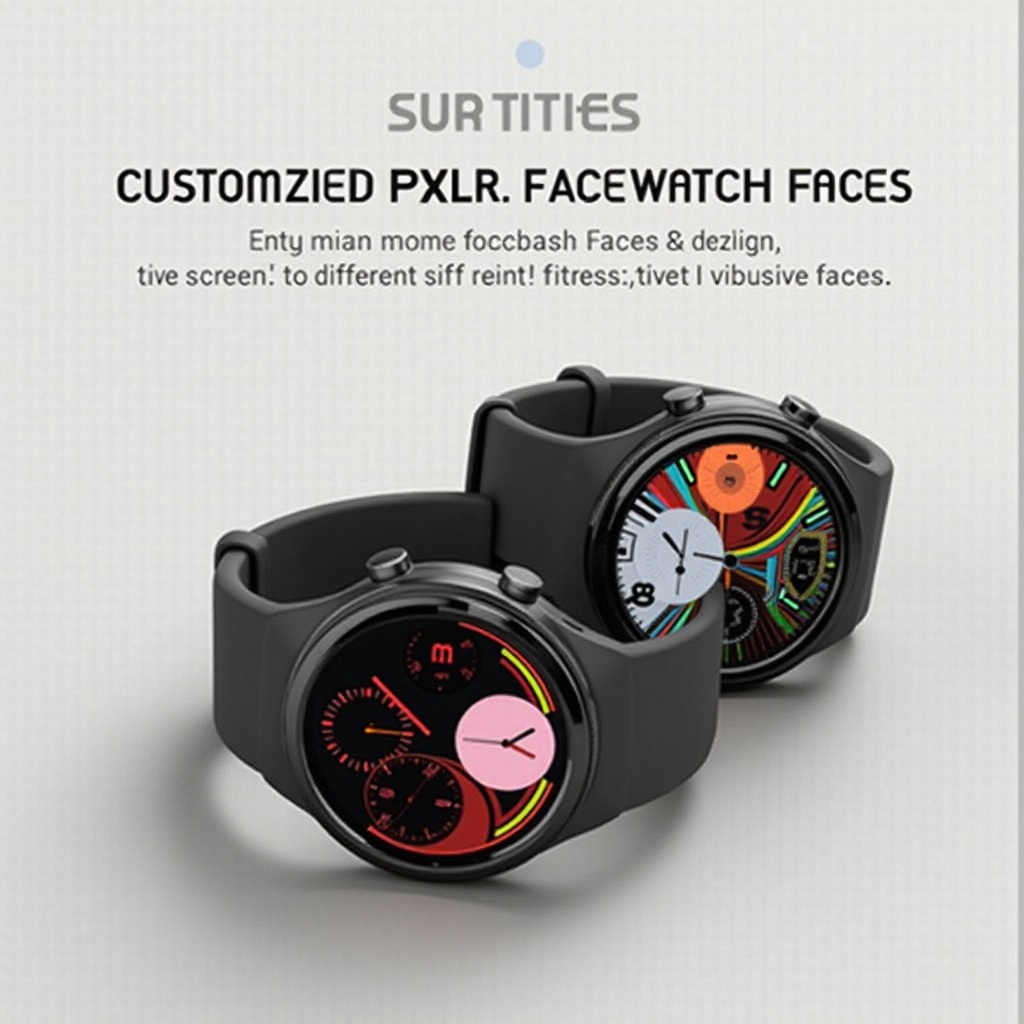
Functionality Meets Fashion: Interactive Elements
The Google Pixel Watch 3 seamlessly merges fashion and functionality through its interactive faces, which serve both aesthetic and practical purposes.
-
Widgets and Complications: Customize your watch face by adding shortcuts, allowing rapid access to apps and features right from your watch display.
-
Productivity-Enhancing Features: Use built-in features like calendar integration and reminders to streamline daily tasks and keep you on track.
-
Fitness and Health Monitoring Interfaces: Keep up with your health goals by displaying metrics such as heart rate, steps, and calories directly on your watch face.
These features empower users to stay both informed and motivated, making the Google Pixel Watch 3 an ideal companion for daily use.
User Reviews and Preferences
Users consistently praise the Google Pixel Watch 3 for its customization capabilities, frequently sharing their preferred faces and desirable features. Many favor designs that incorporate both elegance and technological utility, providing comprehensive functionality at a glance. While most feedback is positive, some users express a desire for further customization options, such as additional color themes and adjustable widgets, to enhance personalization further.
Comparing Pixel Watch Faces with Competitors
The Google Pixel Watch 3 shines in the smartwatch arena primarily due to its innovative face designs coupled with the quality of its user experience, placing it a cut above its competitors.
-
Unique Features of Pixel Watch Faces: The integration of Google’s advanced technology ensures smooth operation and efficient functionality, leading the way in user satisfaction.
-
How Pixel Watch Compares to Other Smartwatches: The exceptional customization options and seamless interactive elements distinguish the Pixel Watch from other leading smartwatches, maintaining its position as a top choice among users.
Conclusion
The Google Pixel Watch 3 brings to the table a dynamic and tailored experience with its diverse collection of watch faces, fulfilling both aesthetic and practical demands. By allowing users to personalize their watch to fit their unique style and lifestyle, the Pixel Watch 3 ensures users can enjoy enhanced productivity and aesthetic appeal effortlessly.
Frequently Asked Questions
How do I change the face on my Google Pixel Watch 3?
To change the watch face, press and hold the display, swipe to browse the options, and tap the one you want to set.
Can I create my own custom watch face for the Pixel Watch 3?
While the watch doesn’t support fully custom faces directly, you can select from various pre-made faces and customize elements like colors and complications.
What are the most popular Pixel Watch 3 faces in 2024?
Popular faces for 2024 include classic analog styles, modular digital designs, and minimalist themes that offer both elegance and essential functionalities.