

 By
By Introduction
In the vast world of gaming, peripherals like your mouse and keyboard play crucial roles in enhancing the gaming experience. Finding the best gaming mouse and keyboard is essential for improving skills, ensuring comfort, and staying competitive. With overwhelming options, this guide will help you navigate through the top picks and features that can elevate your gaming.
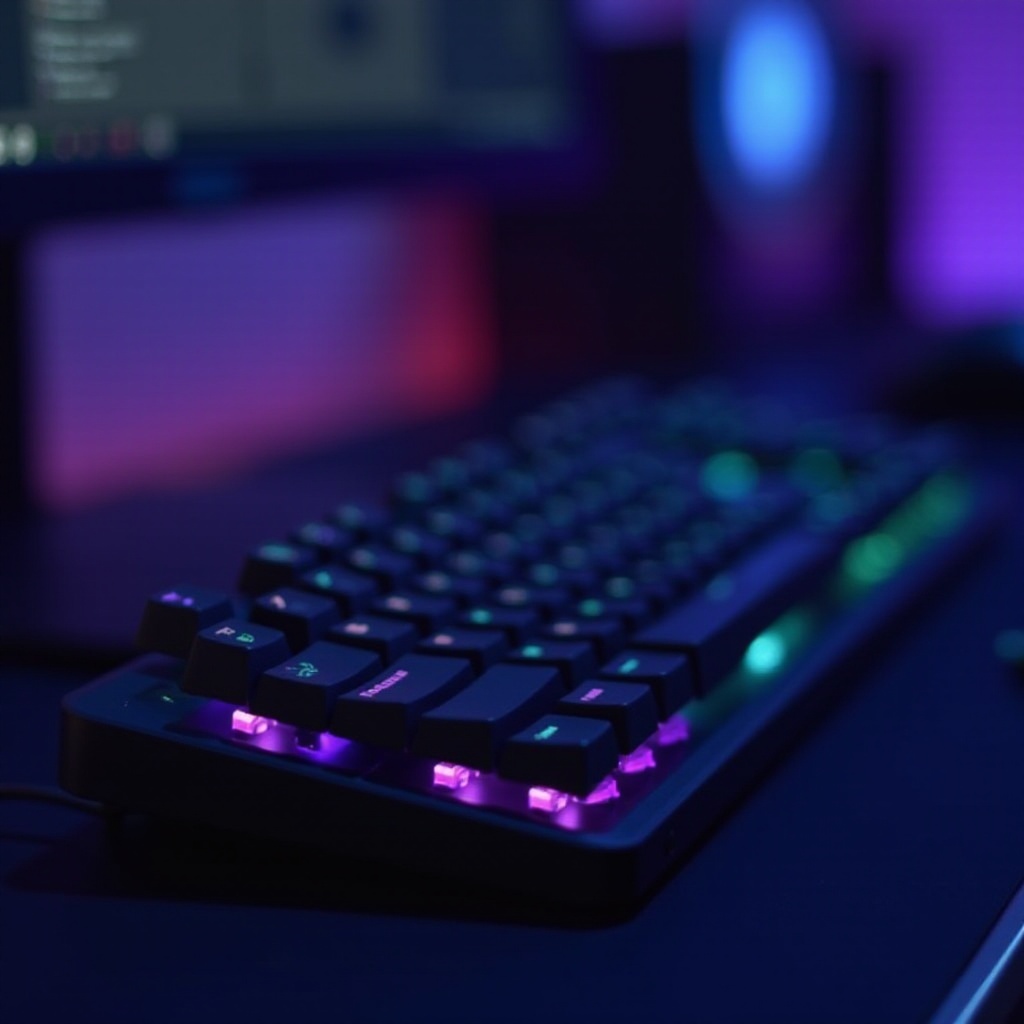
What to Look for in a Gaming Mouse
When selecting a gaming mouse, certain features make a noticeable difference in performance and comfort.
-
DPI and Sensitivity: DPI, or dots per inch, determines cursor movement sensitivity. A higher DPI allows for more precise and faster movements, beneficial for different gaming genres. Look for mice with adjustable DPI to tailor sensitivity to your game’s demands.
-
Ergonomics and Build Quality: Long gaming sessions require comfort. Consider using a mouse with an ergonomic design to suit your grip style, whether claw, palm, or fingertip. Durable materials and reliable construction ensure longevity and quality tactile feedback.
-
Wired vs. Wireless Options: Each has its advantages. Wired mice typically offer lower latency, essential in competitive gaming, whereas wireless mice provide a clutter-free setup. Your decision should depend on your preference for mobility and cable management.
Understanding these features guides you toward a choice that best matches your gaming style. Next, let’s explore what makes a gaming keyboard stand out.
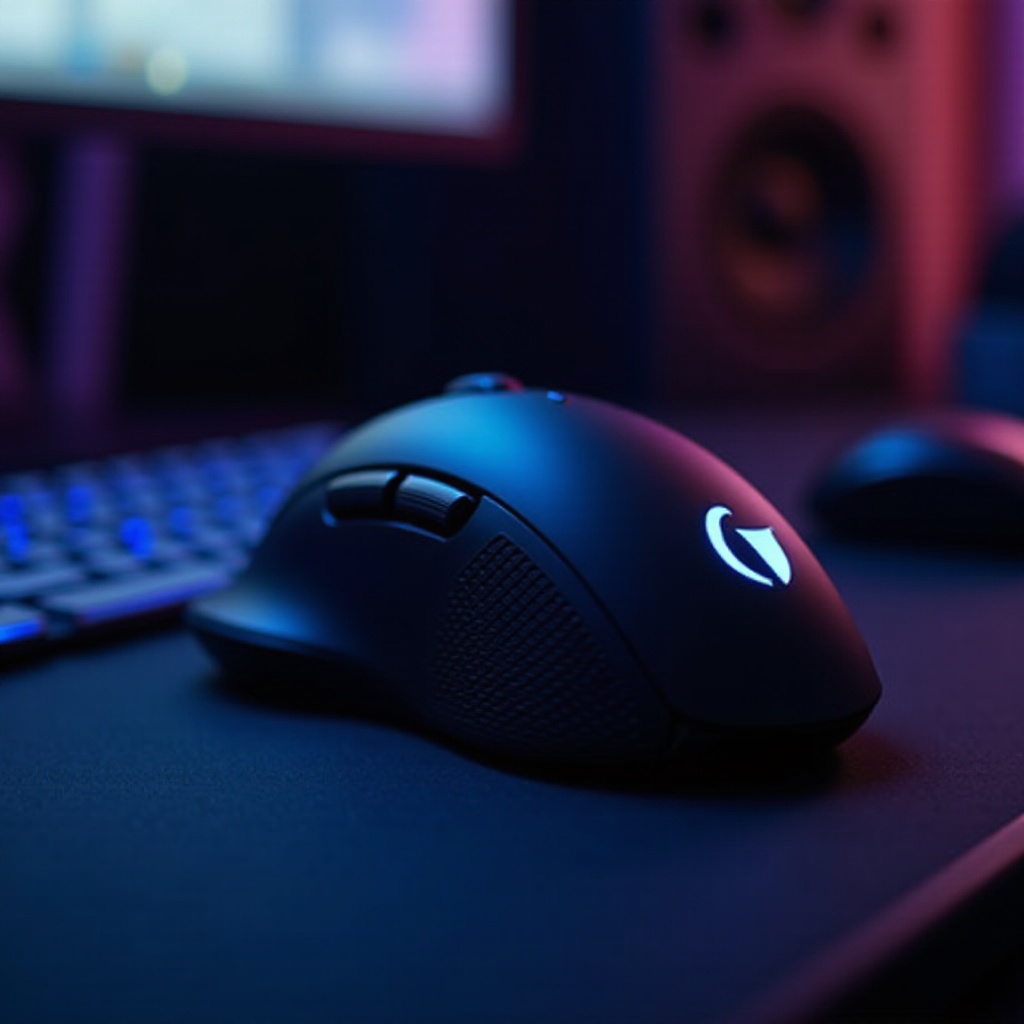
What to Look for in a Gaming Keyboard
Complementing your mouse, the right gaming keyboard can significantly impact your gameplay quality.
-
Mechanical vs. Membrane: Mechanical keyboards are favored for responsiveness and tactile feedback, using individual switches for each key. In contrast, membrane keyboards are quieter and more cost-effective. Base your choice on personal preference and gaming type.
-
Key Rollover and Anti-Ghosting: Essential for games demanding simultaneous keypresses, key rollover ensures each press gets registered accurately. Anti-ghosting prevents unintended keystrokes, delivering precision during complex commands.
-
Backlighting and Aesthetics: Customizable lighting isn’t just aesthetic but functional, aiding visibility in low light. RGB lighting allows for personalized aesthetics, enhancing both performance perception and enjoyment.
With a firm grasp of these factors, you’re ready to balance performance and cost as we explore economical choices in gaming peripherals.
Best Budget Gaming Mice and Keyboards
Affordable options can still deliver quality performance. Discover budget-friendly picks under $50 that won’t compromise your gaming.
- Top Mice Under $50:
- Logitech G203 LightSync offers outstanding performance and customization features.
-
Razer DeathAdder Essential combines ergonomic design with swift response.
-
Top Keyboards Under $50:
- Redragon K552 Kumara provides mechanical keys with vibrant backlighting.
- EagleTec KG010 offers a mechanical feel with a full-size layout.
These options deliver substantial value, aligning quality with budget. As we climb in price, anticipate even greater advances in features and performance.
Best Mid-Range Gaming Mice and Keyboards
For gamers ready to invest more, mid-range peripherals offer enhanced features that promise a superior gaming experience.
- Recommended Mice $50-$100:
- SteelSeries Rival 310 provides excellent precision and grip, ideal for FPS gamers.
-
CORSAIR Harpoon RGB Wireless offers ergonomic design and wireless convenience.
-
Recommended Keyboards $50-$100:
- Corsair K63 Wireless features Cherry MX mechanical switches and freedom from cables.
- HyperX Alloy FPS Pro is perfect for compact setups requiring portability.
With these selections, the leap in performance becomes evident. Next, we look at high-end devices for those seeking ultimate gaming performance.
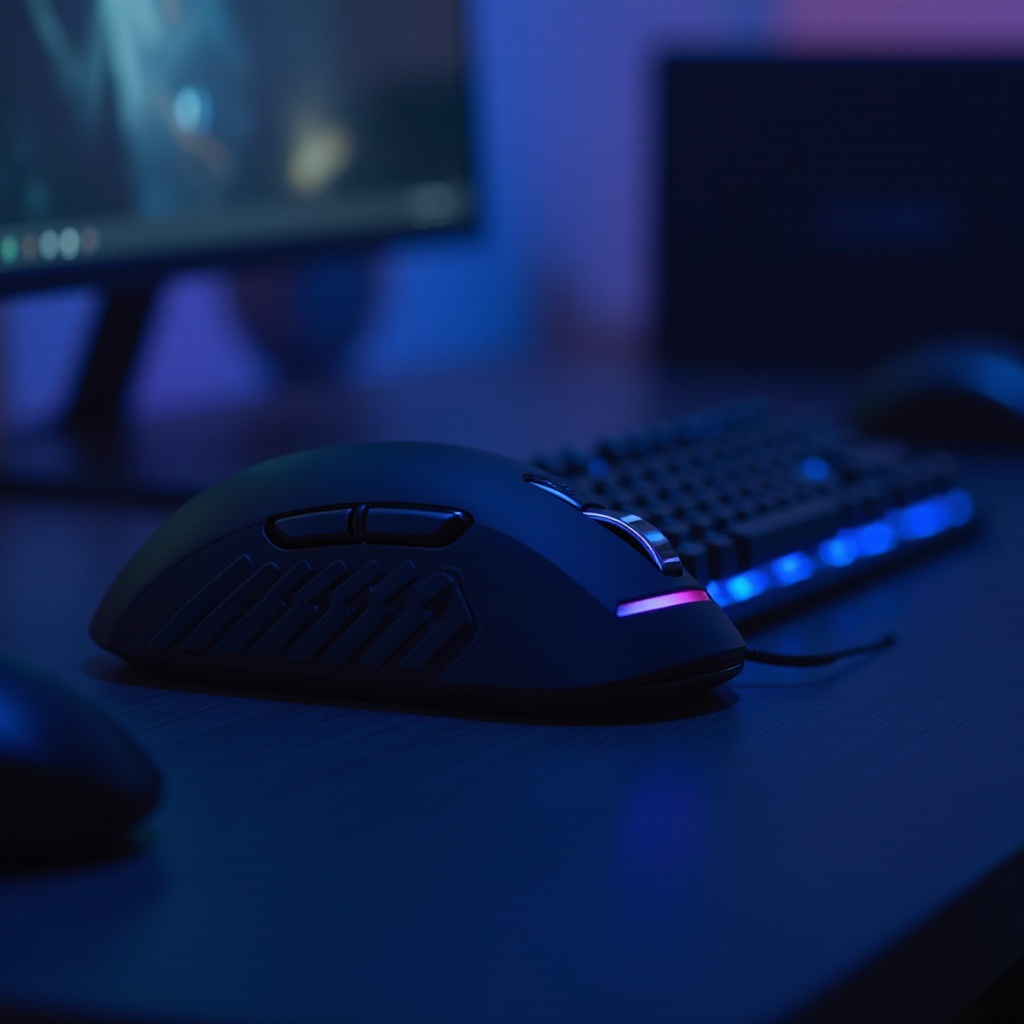
Best High-End Gaming Mice and Keyboards
High-end gaming peripherals are the gold standard for those who demand the best in performance and features.
- Premium Mice Over $100:
- Logitech G502 Lightspeed blends advanced technology with customizable weights and buttons.
-
Razer Viper Ultimate stands out with a lightweight build, low latency, and optical switches.
-
Premium Keyboards Over $100:
- SteelSeries Apex Pro delivers innovation with adjustable mechanical switches.
- Razer Huntsman Elite impresses with opto-mechanical switches and elegant style.
Investing in these models means achieving top-tier performance that satisfies demanding gaming needs, including programmable macros and onboard memory for any challenge.
Conclusion
Selecting the best gaming mouse and keyboard is about aligning performance, comfort, and budget. Our guide offers insights and options to enhance your setup and gaming experience. Choose peripherals that fulfill your needs and elevate your gaming journey, providing enjoyment and a competitive advantage.
Frequently Asked Questions
How do I choose the right DPI for my gaming mouse?
Higher DPI suits large monitors and high-resolution gaming, whereas lower DPI can benefit precision aiming in slower-paced games.
Are wired or wireless peripherals better for gaming?
Wired peripherals provide low latency ideal for competitive gaming, whereas wireless offers cable management ease and mobility.
What is the lifespan of a typical gaming keyboard?
Mechanical keyboards generally last over 50 million keystrokes, outliving membrane types, depending on usage and upkeep.