

 By
By Introduction
The iPhone camera is a versatile tool that has revolutionized mobile photography, allowing even amateurs to produce stunning images. Amid all the advanced features, one that stands out is the ‘F’ notation you may have noticed in your camera settings. This refers to the aperture setting, a critical element in photography that can dramatically alter the quality of your photos. By understanding what this ‘F’ represents and how to use it effectively, you can leverage your iPhone to its full potential and take your photography to the next level.
What Does the ‘F’ Mean on iPhone Camera?
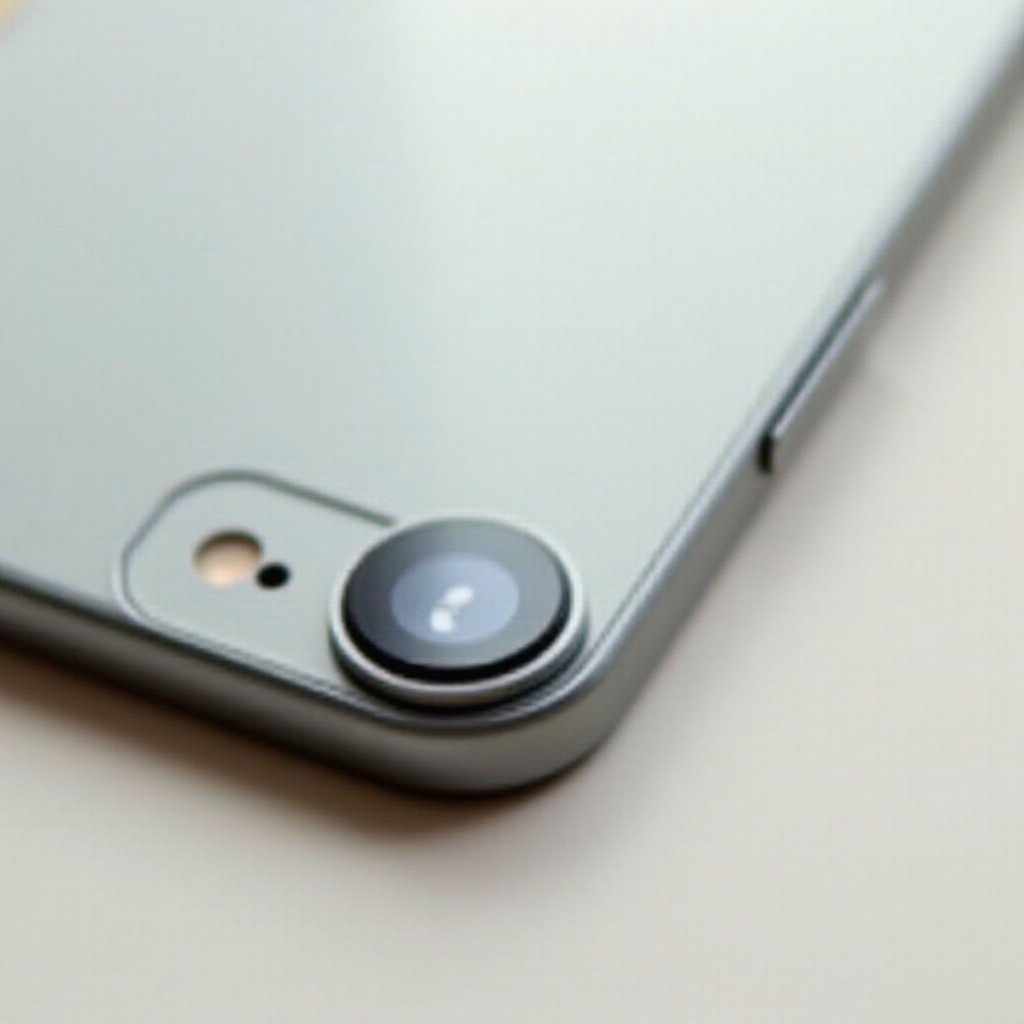
In photography, the ‘F’ stands for aperture, which is crucial for controlling light exposure in your images. An aperture is simply an opening in the lens that adjusts in size to allow different amounts of light to reach the camera sensor. It’s denoted by F-stops, such as F1.8 or F2.2. A lower F-stop number indicates a wider aperture, letting in more light, while a higher number indicates a narrower aperture. Understanding how to manipulate these settings can help you create better-composed and well-lit images.
The Role of Aperture in Photography
Aperture not only impacts the exposure of your photos but also plays a significant role in depth of field, affecting how much of the scene is in focus.
How Aperture Affects Image Quality
The aperture setting can significantly influence the brightness of a photograph. A larger aperture (a smaller F-stop number like F1.8) allows more light to enter, perfect for low-light settings, though it requires careful handling to avoid overexposure. Conversely, a smaller aperture (a larger F-stop like F16) is more suited for bright lighting conditions, preventing the image from being washed out by excess light.
Aperture and Depth of Field
Depth of field refers to the range of distance within a photo that appears sharp. A wide aperture results in a shallow depth of field, making it ideal for portraits where the subject is in focus and the background is softly blurred. In contrast, a narrow aperture will give you a deeper depth of field, which is desirable for landscapes where you want everything from foreground to background to be in sharp focus.
The Science Behind the ‘F’ Value
The ‘F’ value is a measure of how the diaphragm blades inside the camera lens open to change the size of the aperture. By adjusting these settings, photographers can control both the focus area and the exposure of light, allowing for creative effects that elevate the quality of photos.
How to Use the ‘F’ Setting on Your iPhone
Mastering the ‘F’ setting on your iPhone can drastically transform your photography experience. Here’s how to get started.
Accessing and Adjusting the ‘F’ Setting
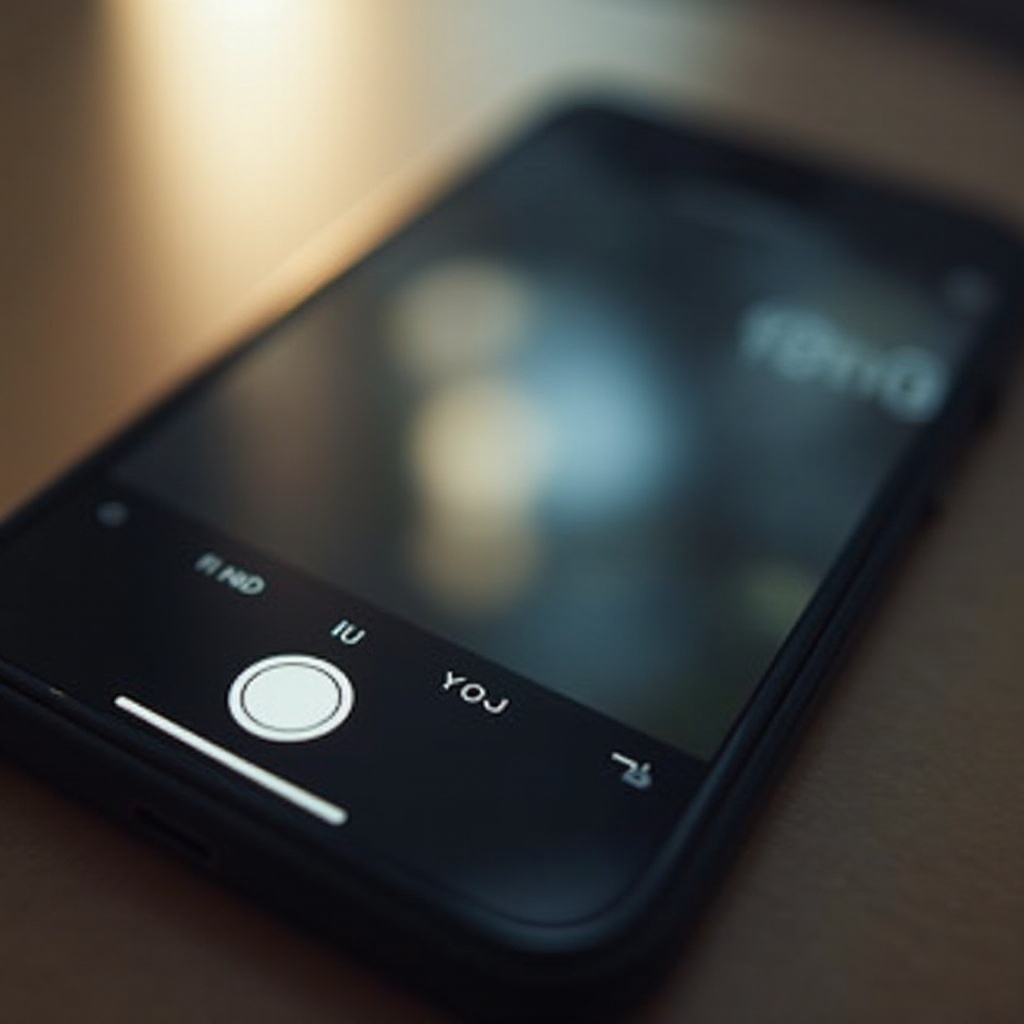
To adjust the aperture settings on your iPhone, make use of the Portrait mode, which is available on newer iPhone models. Once in this mode, you can tweak the aperture settings by tapping the ‘f’ icon. A slider will appear, enabling you to adjust to the desired F-stop for your photo.
The Impact of Different ‘F’ Settings on Photos
The aperture settings have a direct impact on both lighting and focus in your images. Lowering the ‘F’ number can create photos with a beautifully blurred background, emphasizing the subject. Conversely, increasing the ‘F’ number sharpens the overall focus, which is particularly useful when you want both foreground and background to be in clear view.
Creative Uses of Aperture in iPhone Photography
Playing with aperture settings offers endless creative possibilities. Use a low ‘F’ number to isolate subjects in crowded settings with a smooth blurry background or opt for a higher ‘F’ number to capture stunning details in expansive landscapes. With practice, you’ll learn to harness these settings for various photographic styles.
Comparing iPhone Models and Camera Capabilities
As iPhone models evolve, so do their camera capabilities, particularly concerning aperture control.
Latest iPhone Models with Advanced Aperture Control
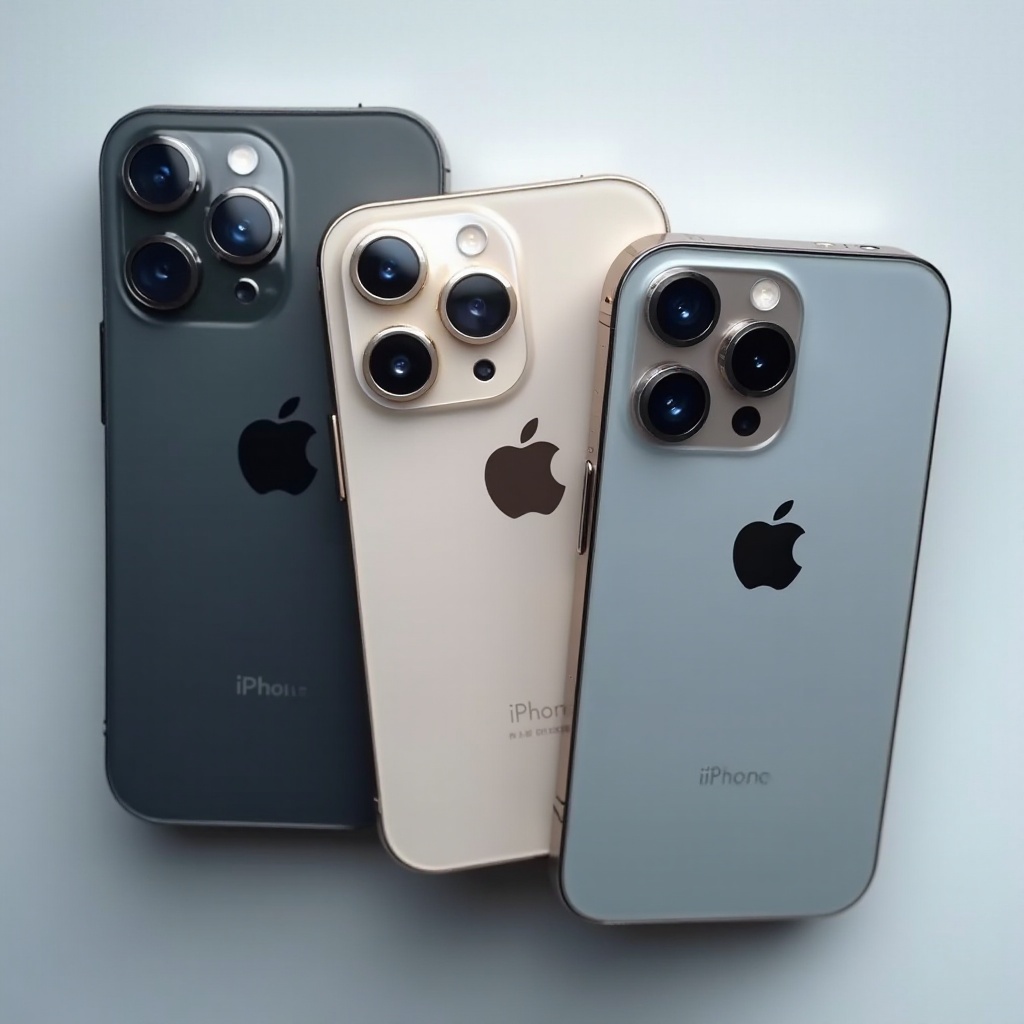
Recent iPhone models, including the iPhone 14 and successors, have introduced more sophisticated camera features, allowing for greater control over aperture settings. These advancements empower users to manually adjust depth effects for stunning clarity and image quality.
Comparison with Other Smartphones
Compared to other smartphones, iPhones excel in providing superior aperture handling and overall camera clarity. While other brands offer similar features, the seamless integration of hardware and software in iPhones renders a more consistent and exceptional photographic outcome.
Future Trends in iPhone Camera Technology
Looking ahead, Apple is anticipated to further enhance its camera technologies, potentially incorporating even more advanced aperture controls and computational photography features in future models, thereby expanding creative possibilities for users.
Tips for Maximizing Your iPhone’s Camera Potential
By mastering the intricacies of aperture, you can unleash the full power of your iPhone’s camera.
Best Practices for Using Aperture
- Understand the lighting: Always assess the lighting of your environment to select the appropriate aperture setting.
- Experiment: Try different F-stop values to see how they affect your photos in various conditions.
- Utilize available light: Make use of the natural light to enhance the quality of your shots.
Leveraging Third-Party Apps for Enhanced Control
Several third-party apps provide enhanced camera controls beyond the default settings. Apps like Camera+ allow manual adjustment of aperture, offering more flexibility and promoting innovative photography techniques.
Shooting Techniques for Different Situations
- Portraits: Use Portrait mode and a low ‘F’ value for focused subjects against a soft backdrop.
- Landscapes: Choose Landscape mode with a narrow aperture to capture maximum detail throughout the scene.
- Night shots: Implement Night mode using a lower ‘F’ setting to effectively capture details in low-light environments.
Conclusion
The ‘F’ setting on your iPhone camera is crucial for crafting high-quality, creative photos. By understanding how to utilize the aperture to control light and depth of field, you can greatly enhance your photographic results. As iPhone technology advances, staying informed on these features will equip you to capture each moment with precision and artistry.
Frequently Asked Questions
What is the best ‘F’ setting for portraits?
For portraits, a lower ‘F’ setting like F1.8 is ideal as it creates a soft, blurred background while keeping the subject in sharp focus.
Can I manually change the ‘F’ value on older iPhone models?
Older iPhone models might not offer manual aperture adjustments, but you can use third-party apps to simulate depth effects and focus.
How does the ‘F’ value impact night photography?
In night photography, using a lower ‘F’ setting lets more light in, which helps capture clearer images in low-light conditions.